Buying it
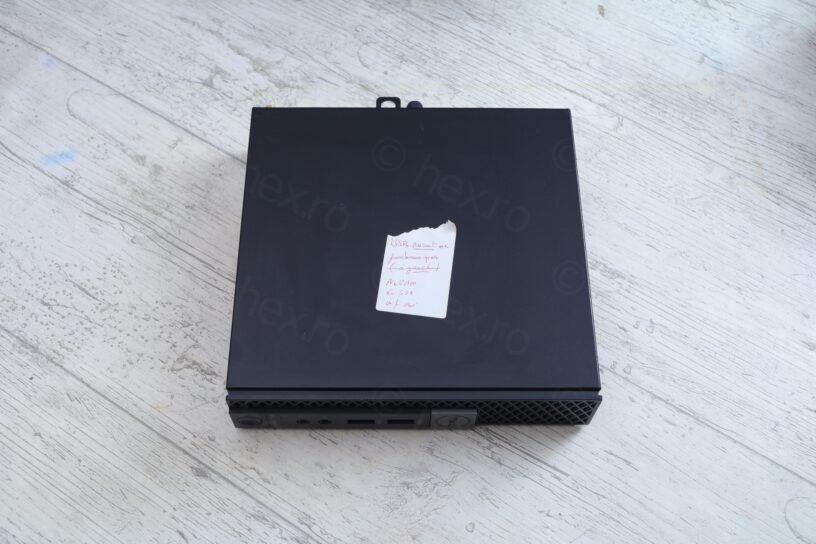
I found this small Dell Optiplex 7040 Micro at a local IT shop. I was already a client, having bought various things, so we chatted a bit. I was on the lookout for an old Intel i5-6500T CPU. I explained why: that I was trying to fix an Dell 7040 MFF, but got tired swapping the CPU between a working board and the bad board.
He went to the back of the shop to look, but came back empty handed. He does have an idea though. Says he has another Dell Optiplex 7040 Micro, but it is broken. In what sense I ask ? He goes back again, bringing a PC and explains: everything works fine except the Front Left USB:
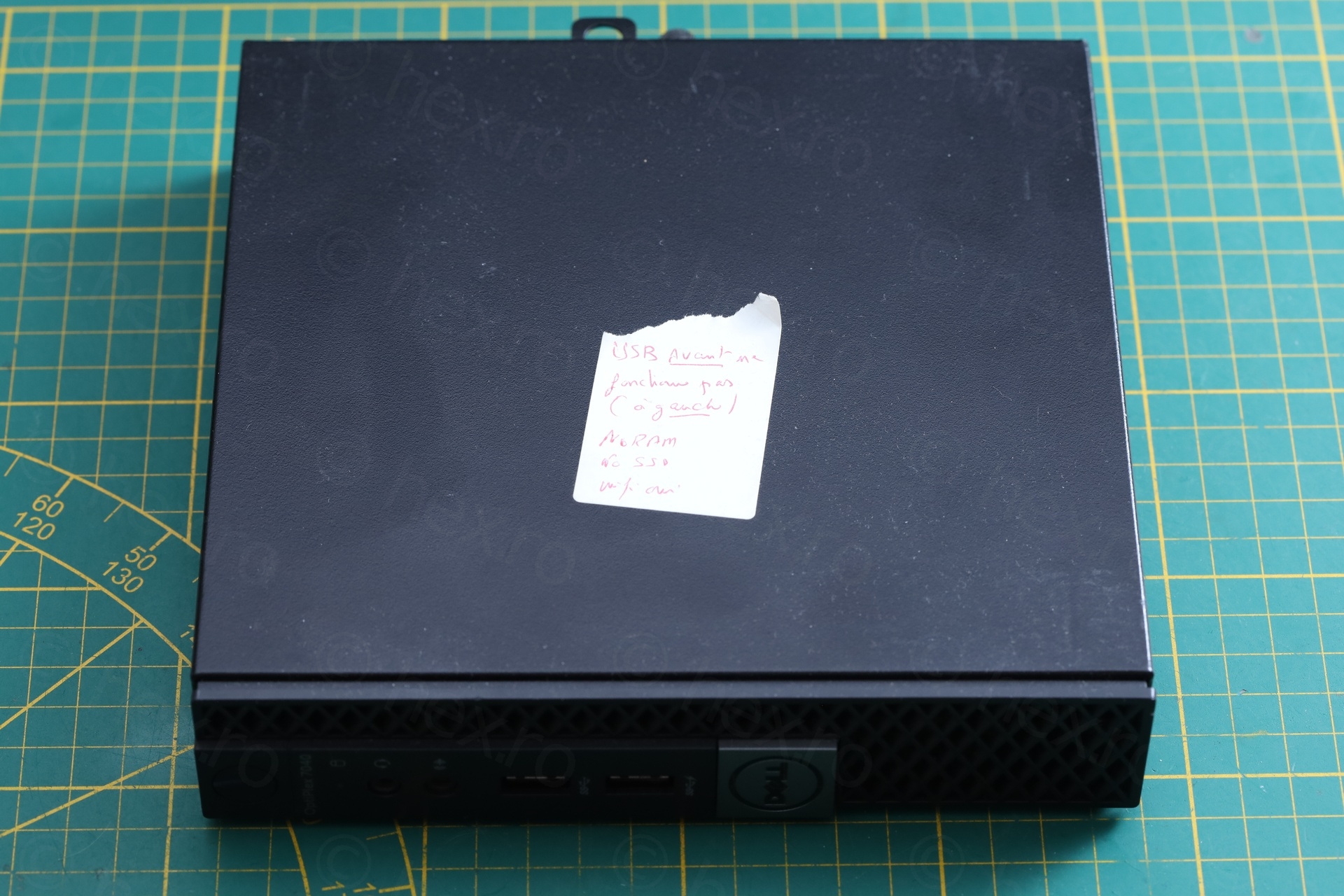
He asked a low price on it. In fact, it was cheaper than online price of the motherboard only. I decided to buy it, I figured, let me try to give it a go at repairing it. Since I have many Dells already, I’m committed. Better if I know how to fix common problems.
Overview
The PC had a rough life – it was very dirty inside and a lot of dust has accumulated on the fan, the heat-sink and behind the front USB plugs:
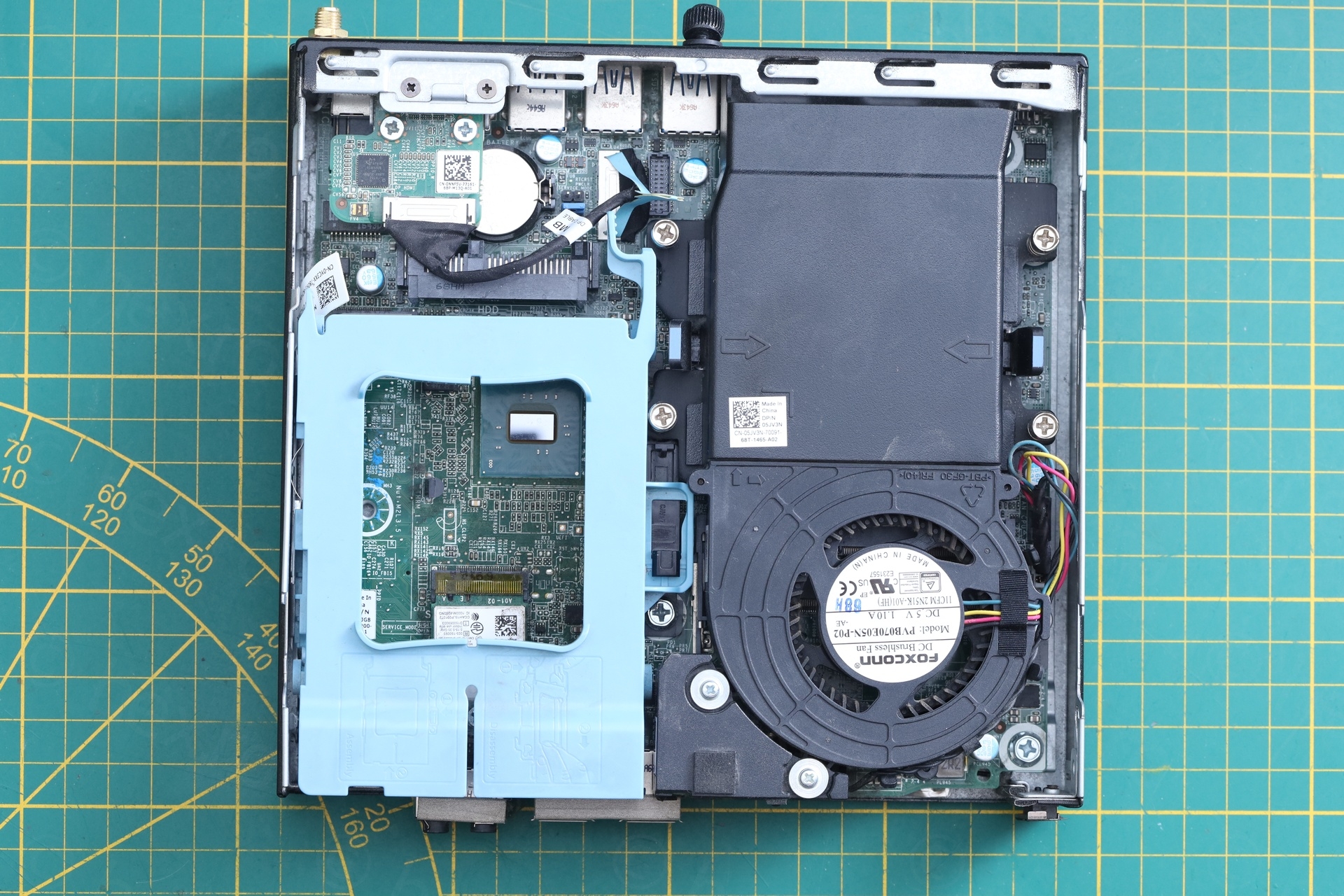
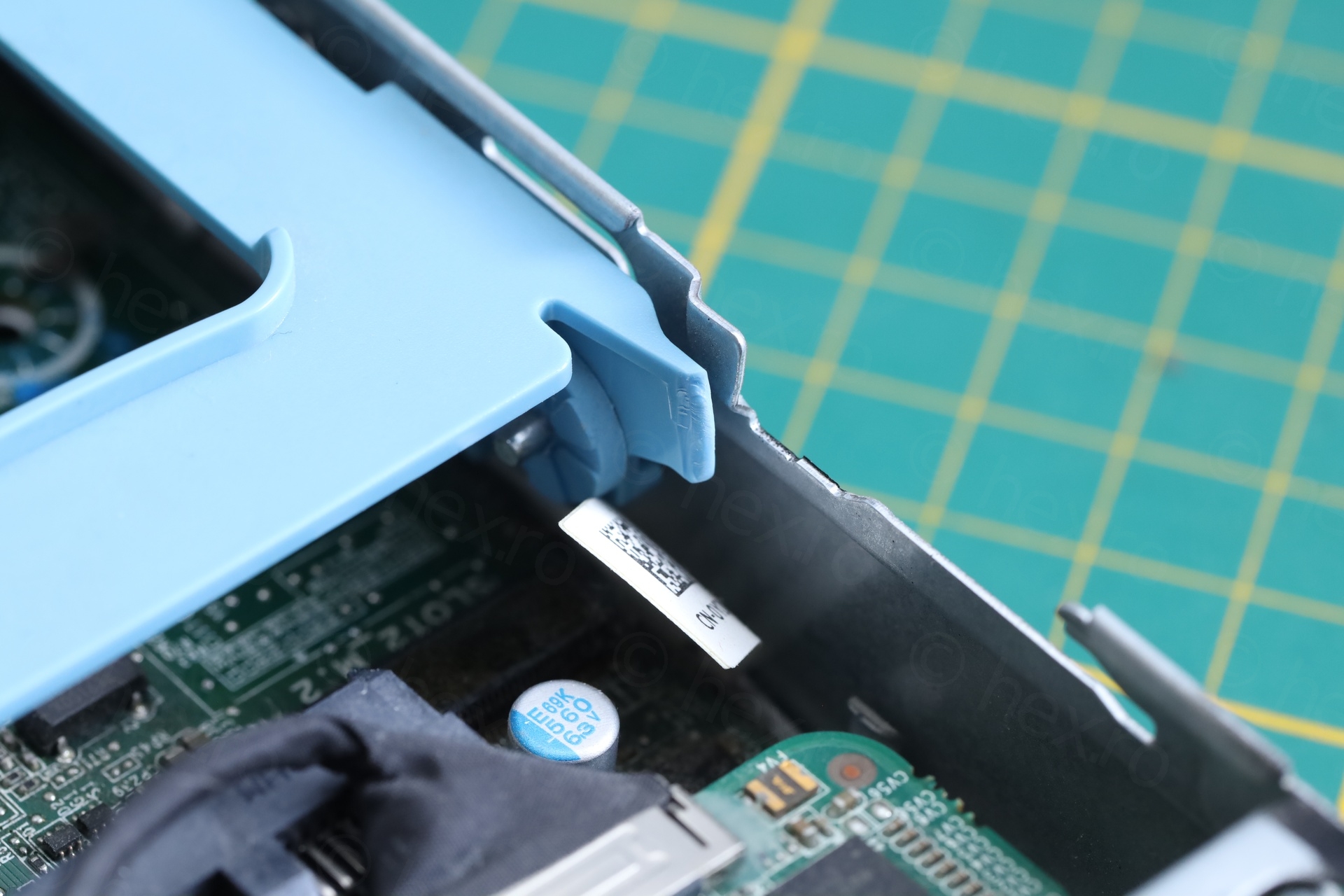
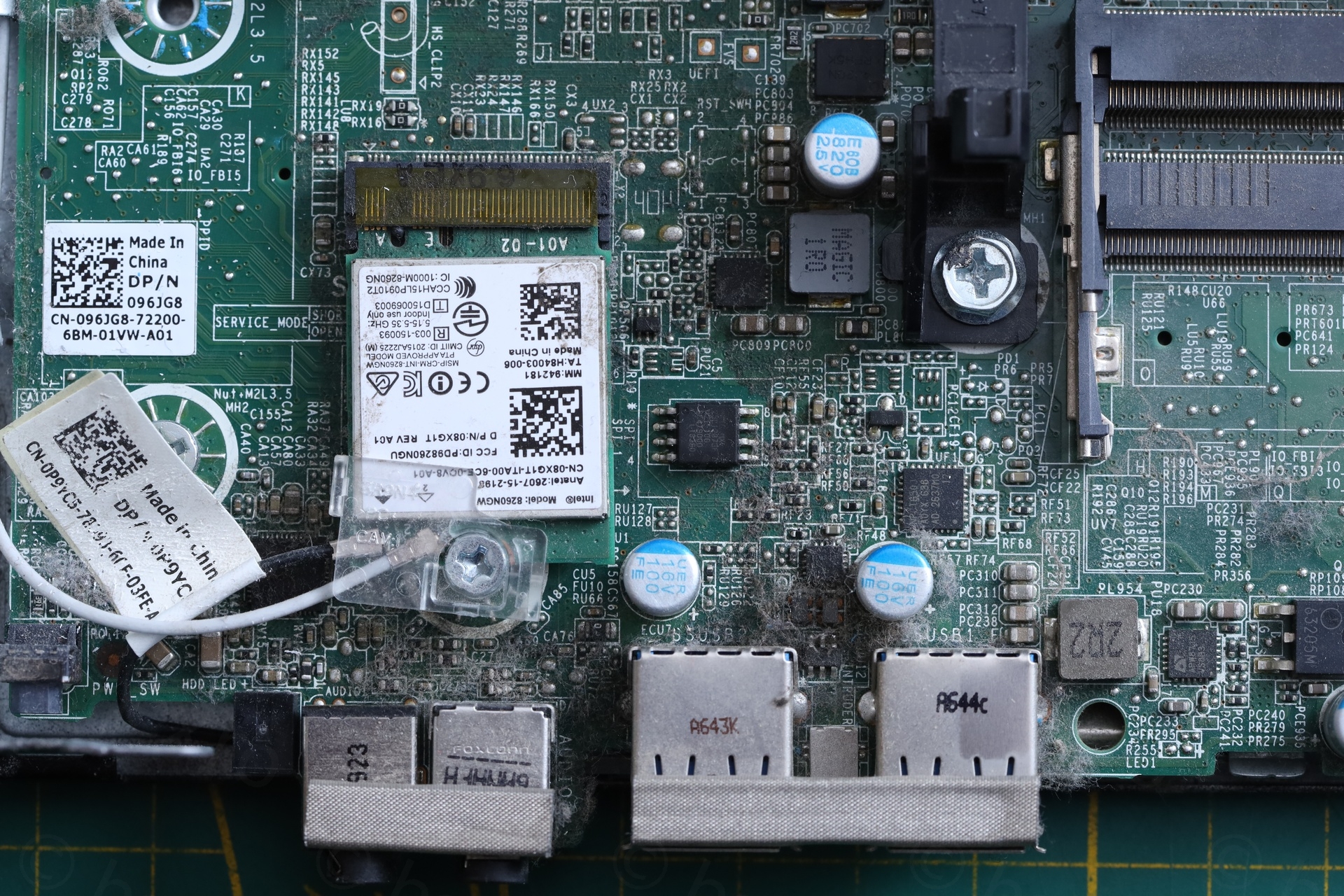
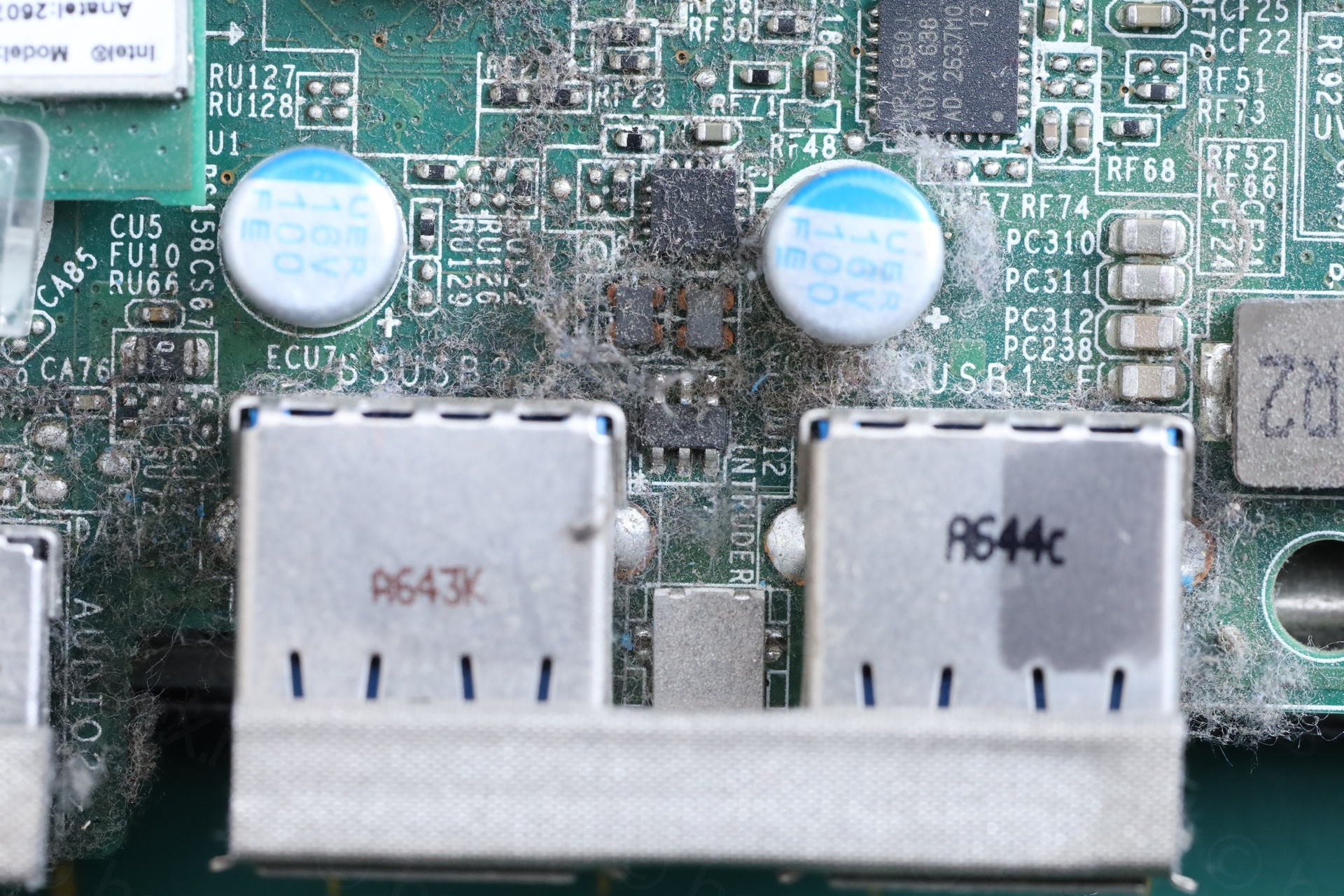
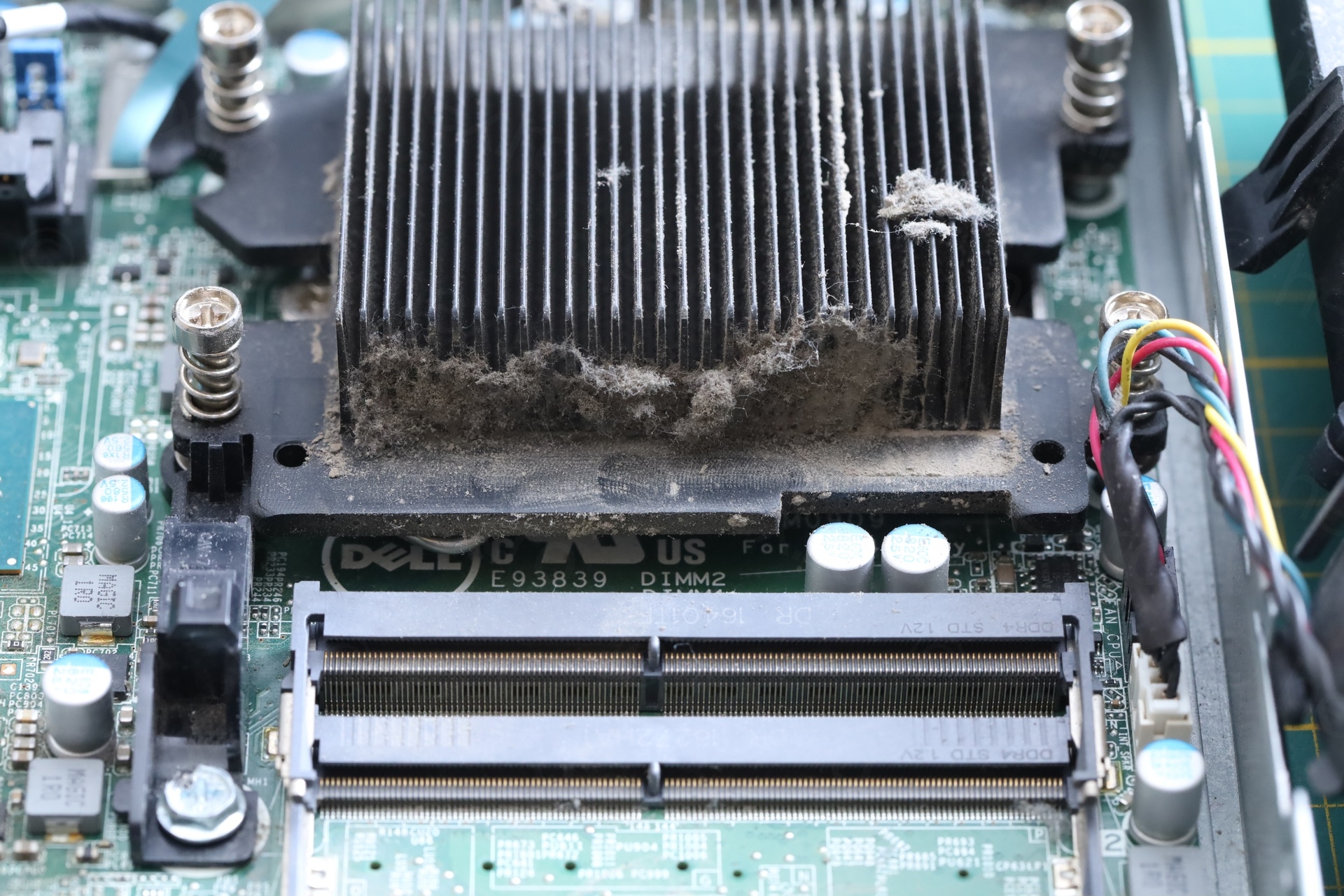
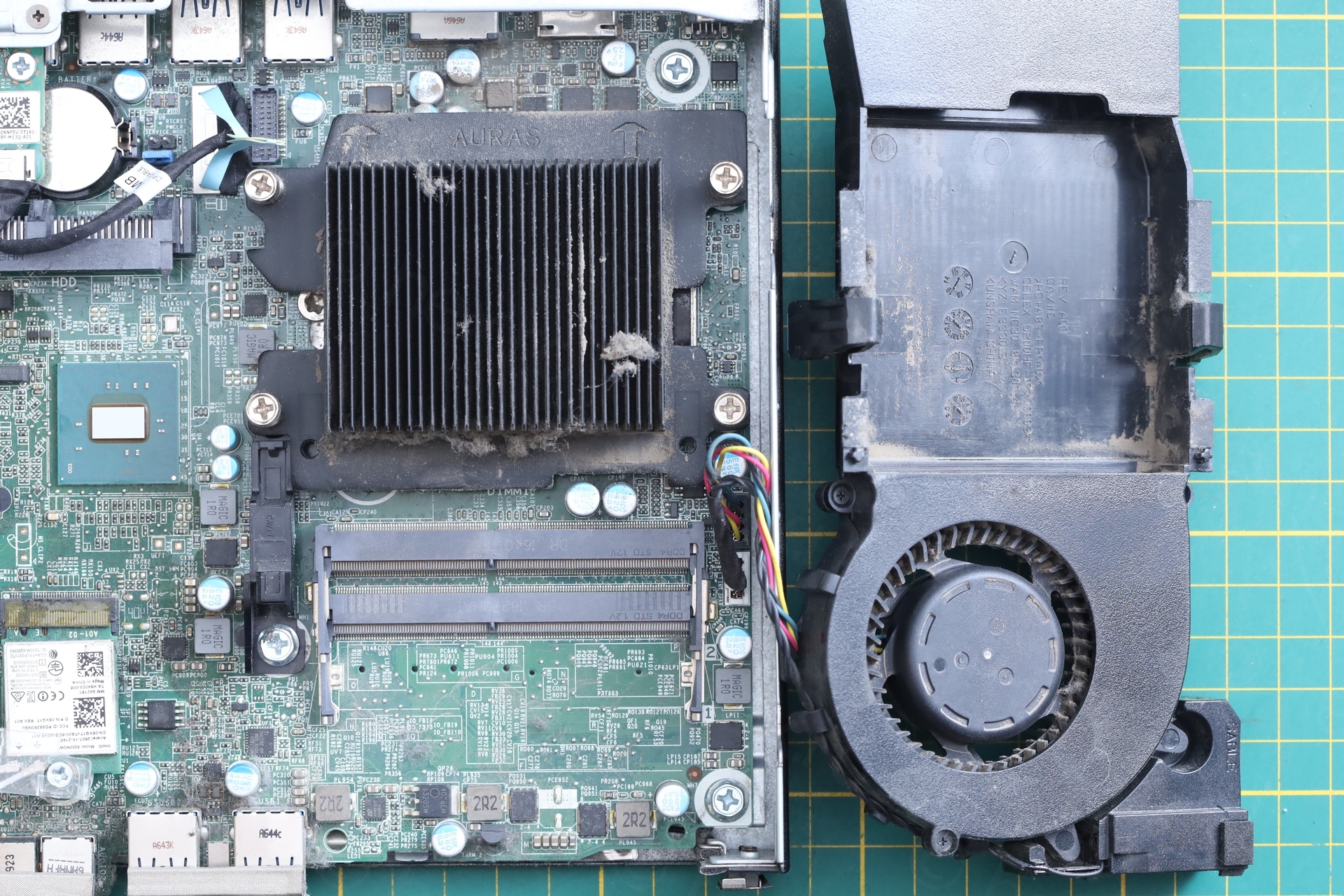
Not only that, but the HDD tray had one of the pull tabs snapped off. I could not work on this, I had to de-dust it thoroughly first. While in the process, I discovered that the dust behind the front USB ports was not easy to remove, it felt like there was something sticky underneath.
Testing
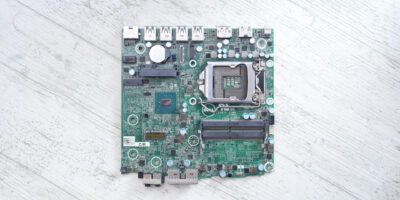
I wanted to have a closer look at the motherboard, but visually nothing was exploded. I was curious to see what happens if I plug a memory stick:
Surprisingly, the activity LED of the stick comes on, but much fainter than in the working port. Checking further with a USB power indicator, voltage sits lower than 5 V, and sometimes drops to 3.6 V:
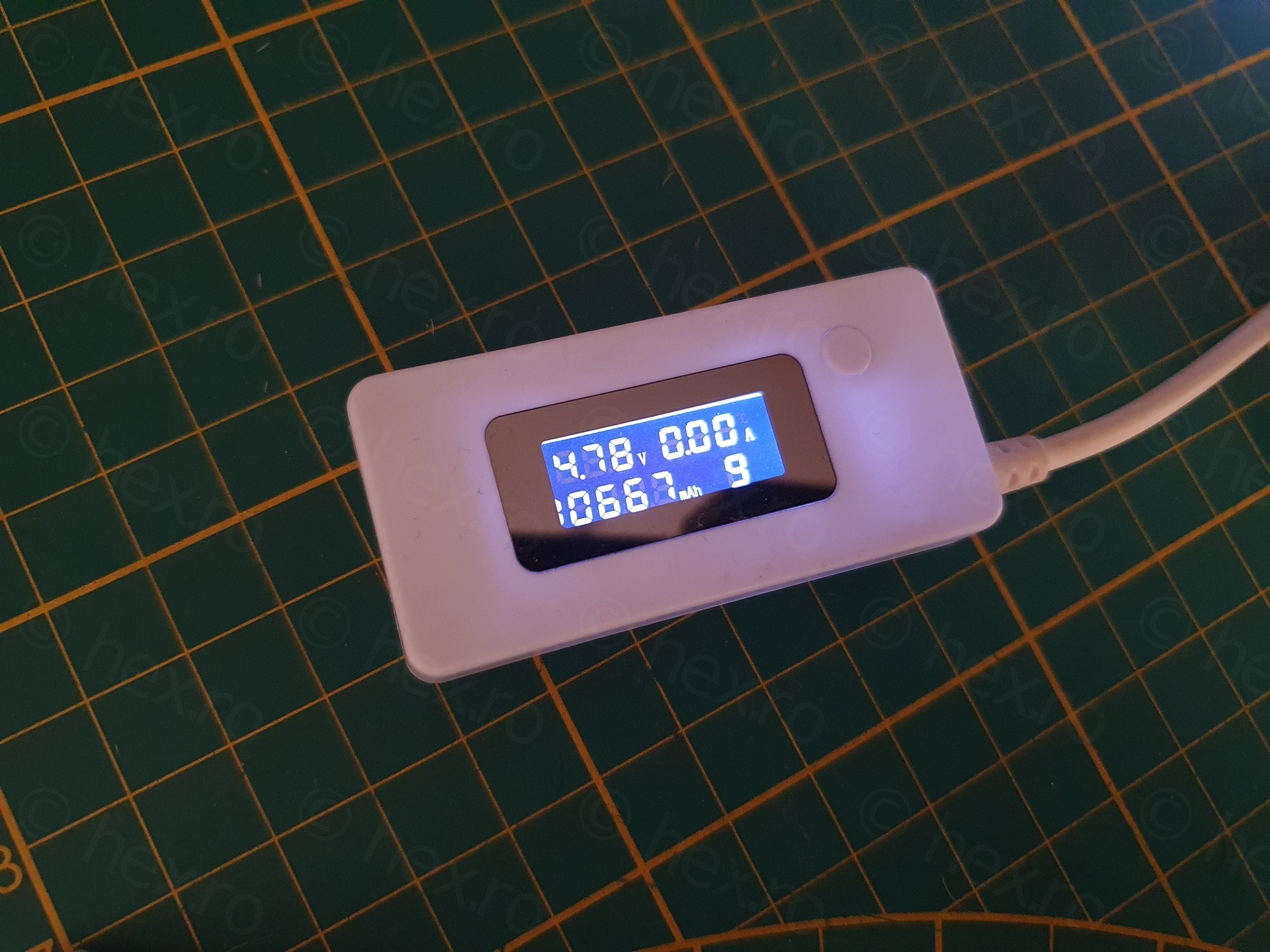
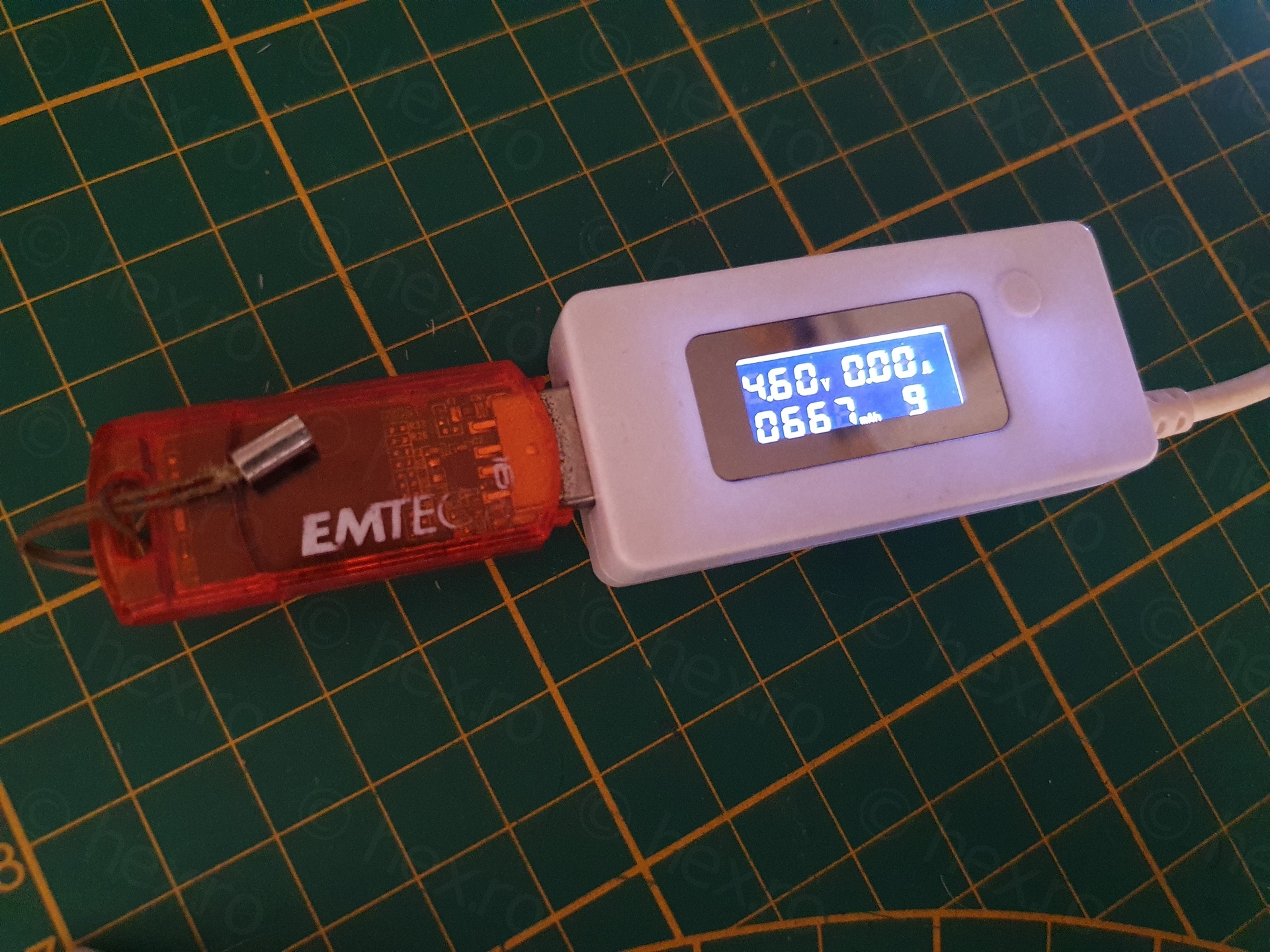
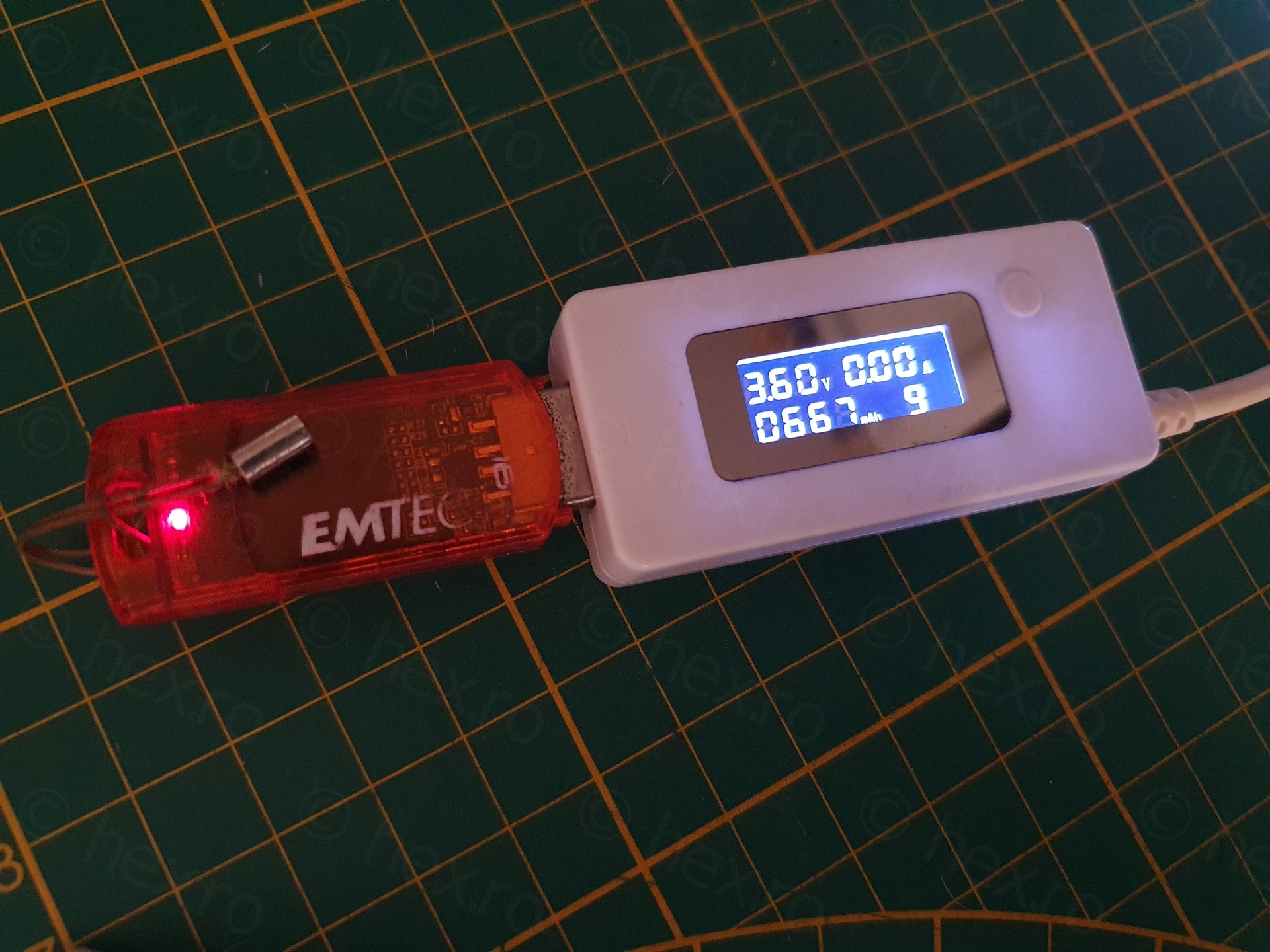
Since the voltage drops when the USB activity LED is on, is there something on the board draws too much current ? Luckily, I spotted something flickering:
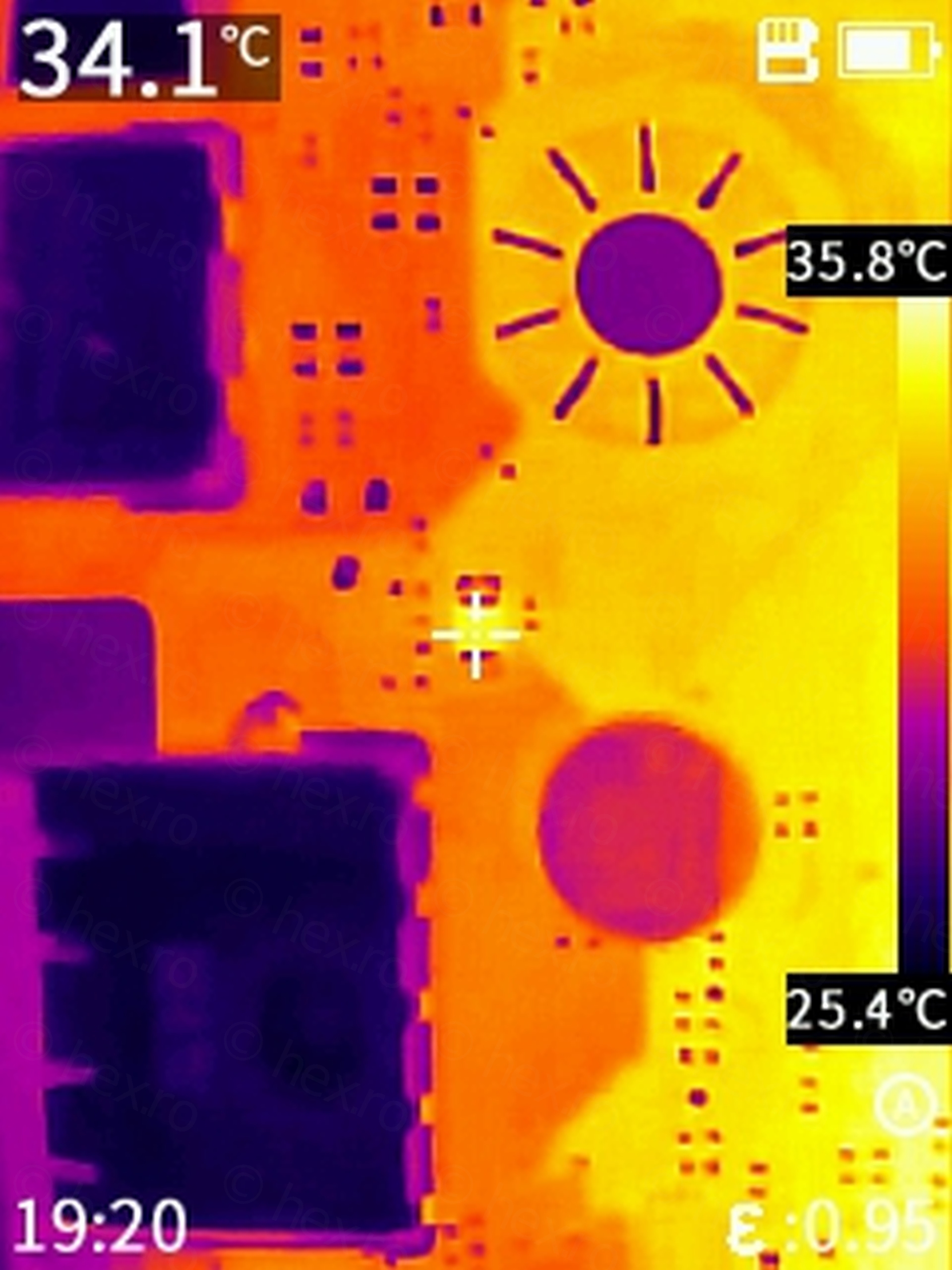
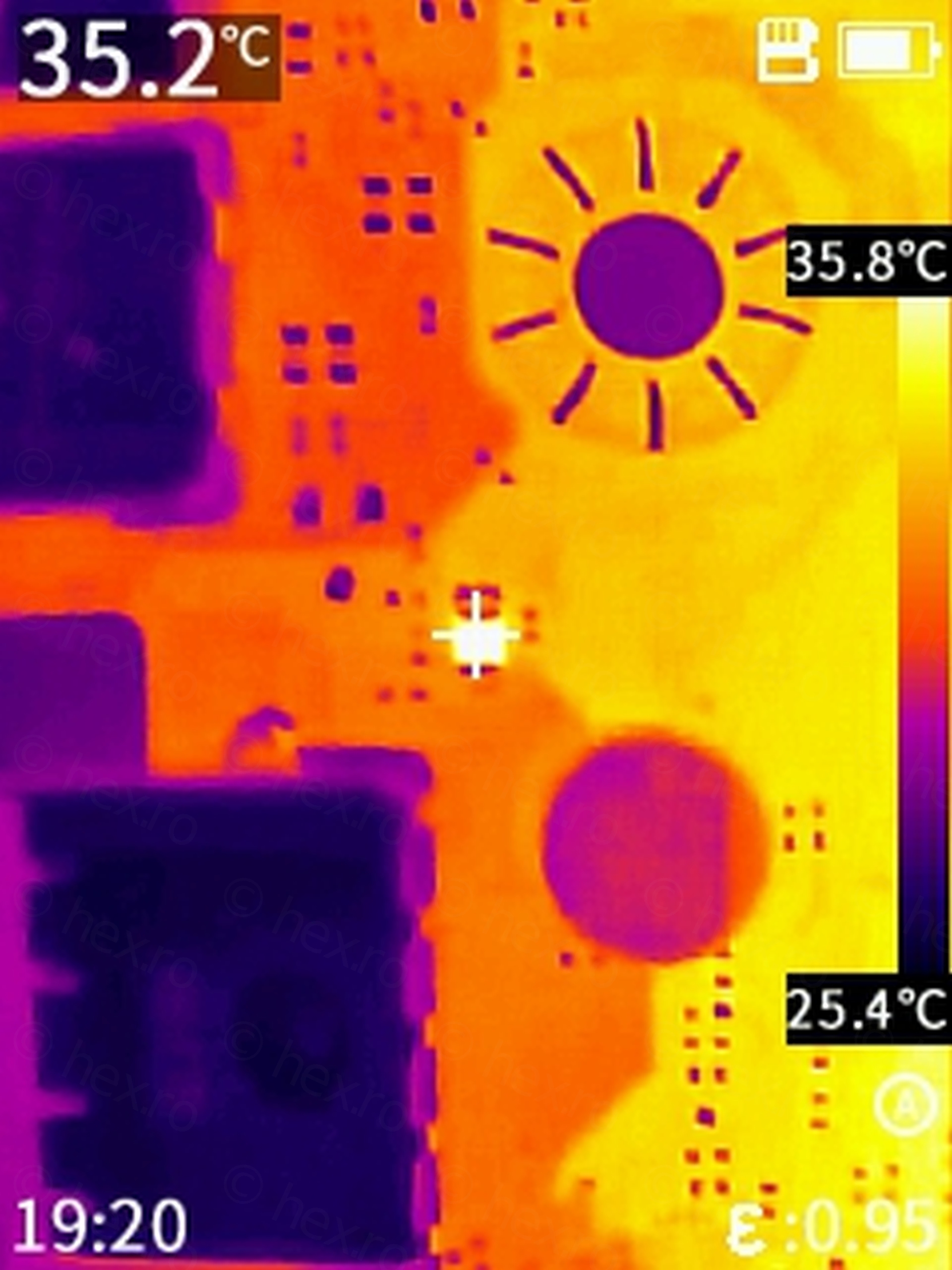
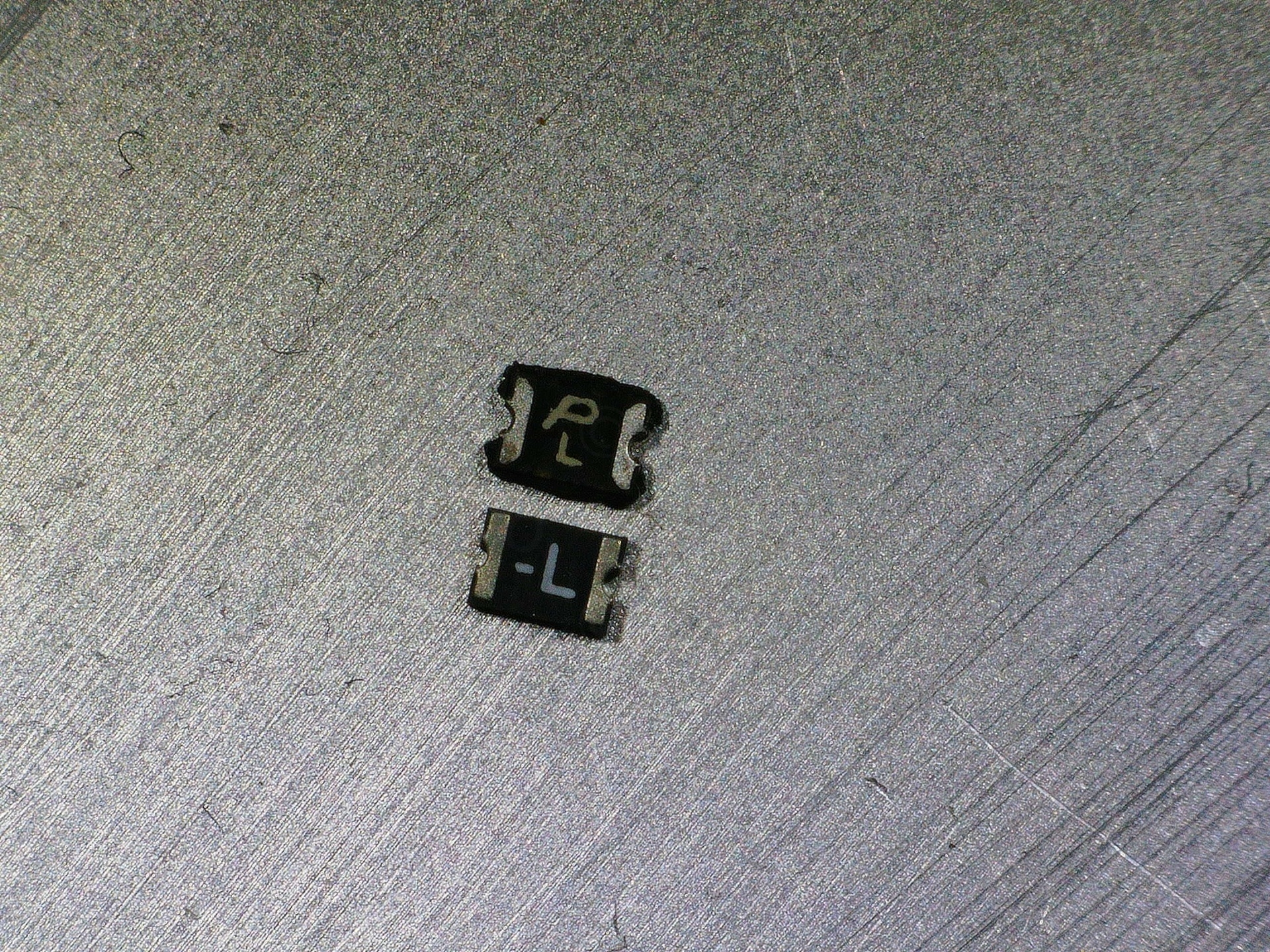
A close up with the culprit – a small part with an inclined / italic letter P, with an upper case L underneath it:
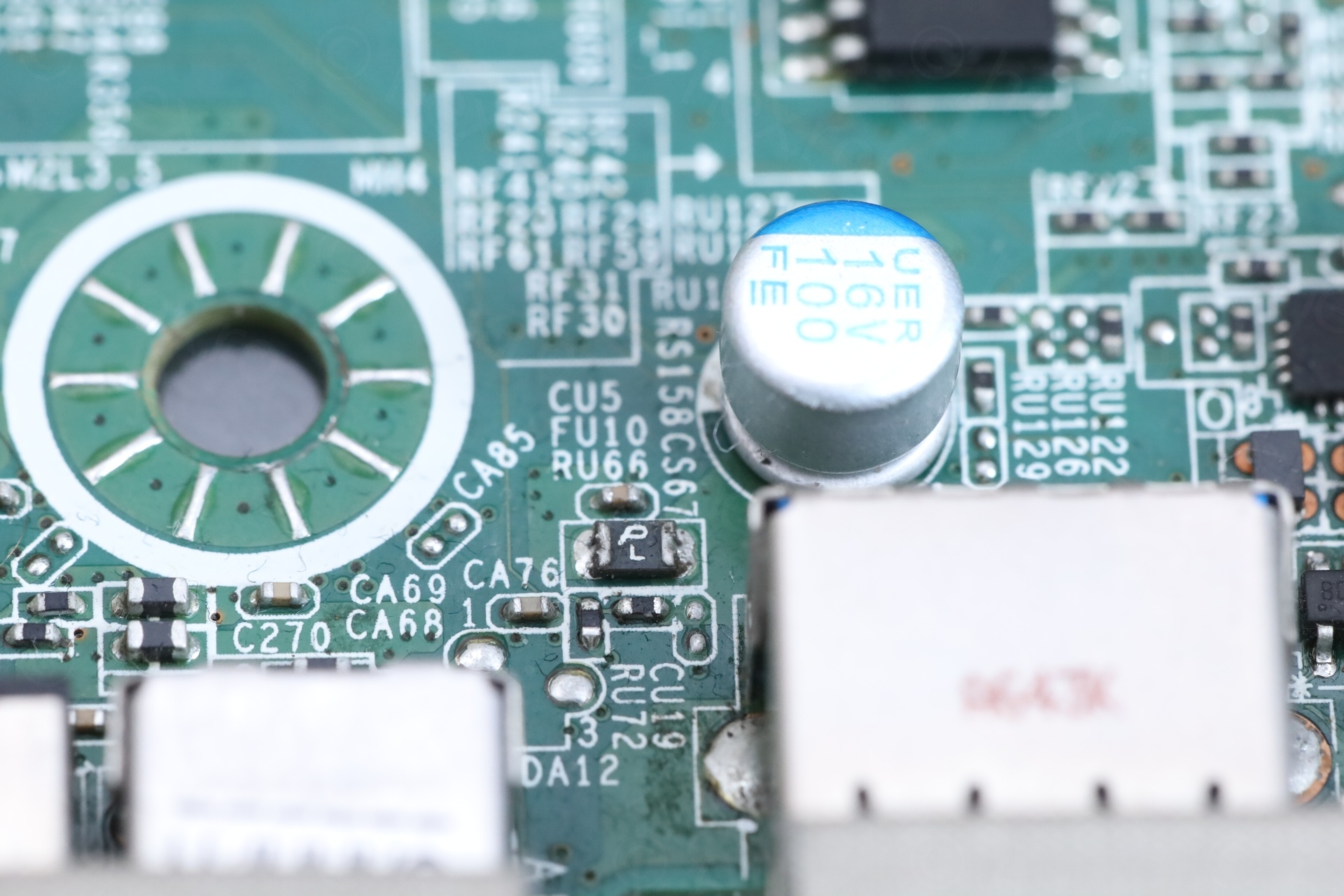
It is supposed to measure 0 Ω but it measured around 35 Ω in circuit, which is not normal.
I also happened to spot that the capacitor nearby seems to have lifted from the board ? Testing in circuit with the Peak Atlas ERS meter showed it having “Low capacitance / open circuit”. I’ve crosschecked with a working board, and there, the meter had no problem measuring the working capacitor.
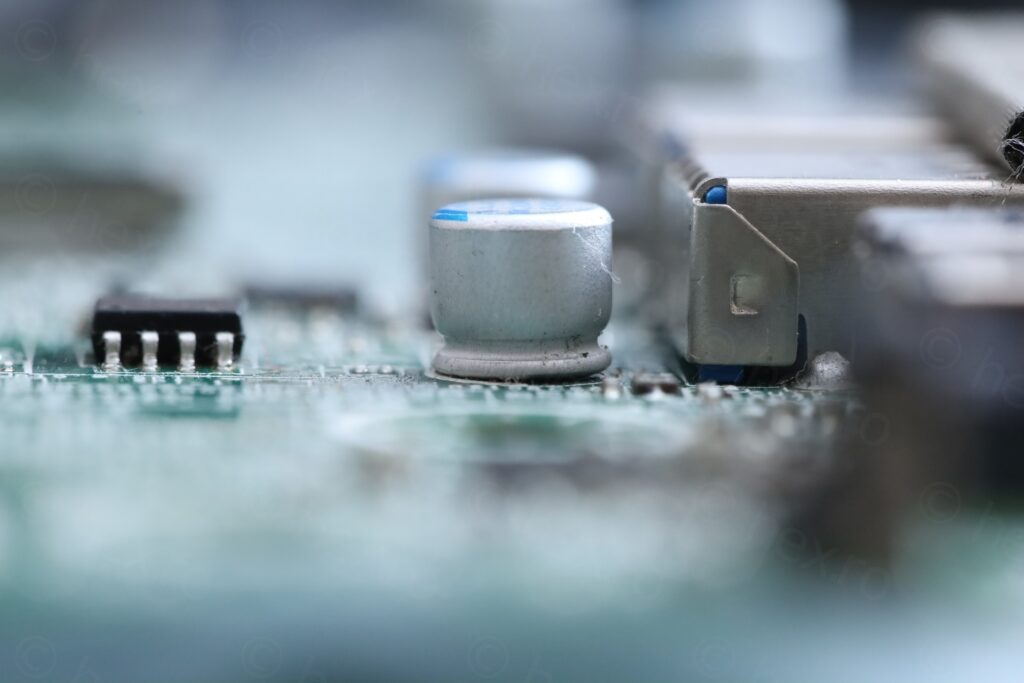
This could explain why it was sticky around it, did something leak out of it ?
What parts to order ?
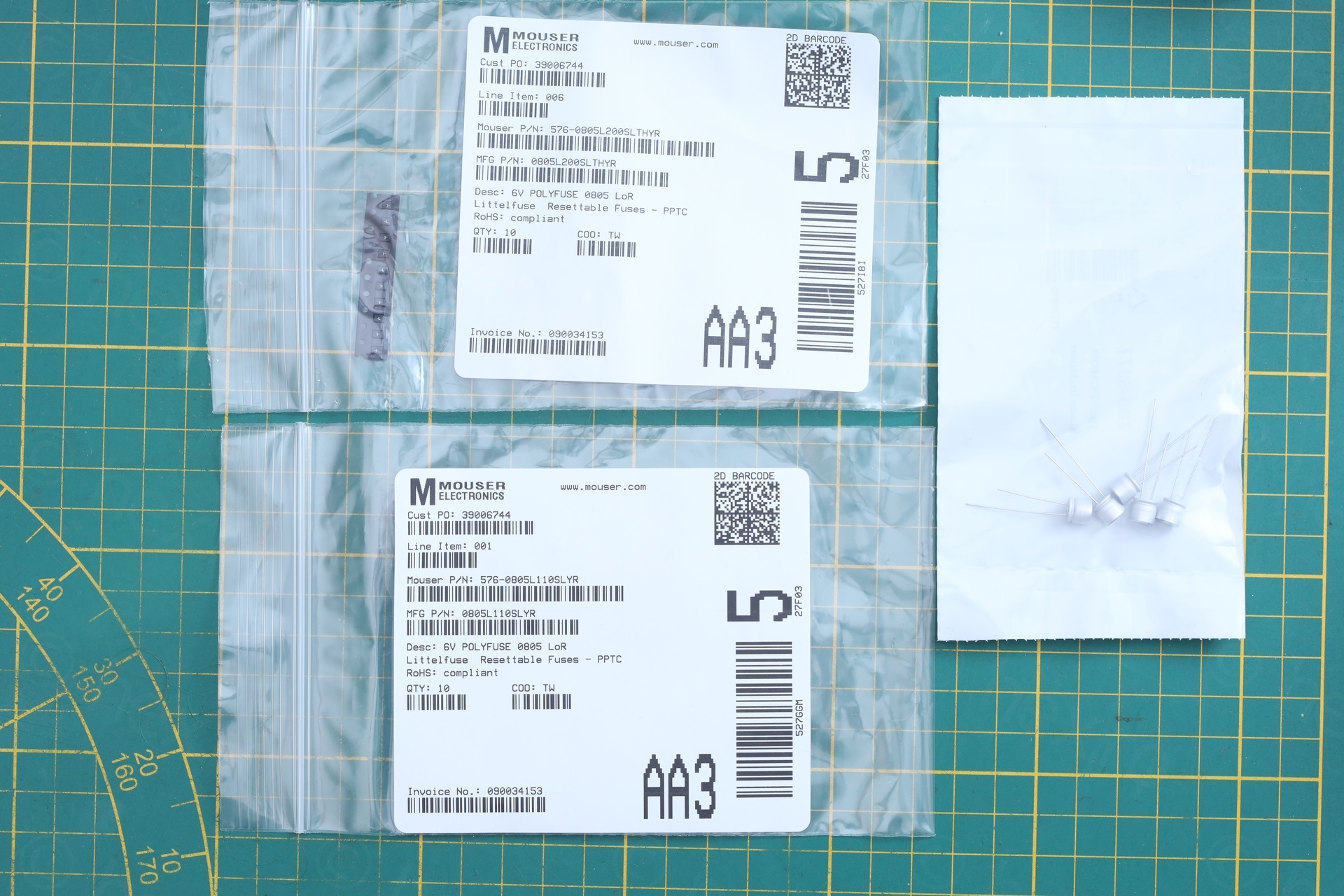
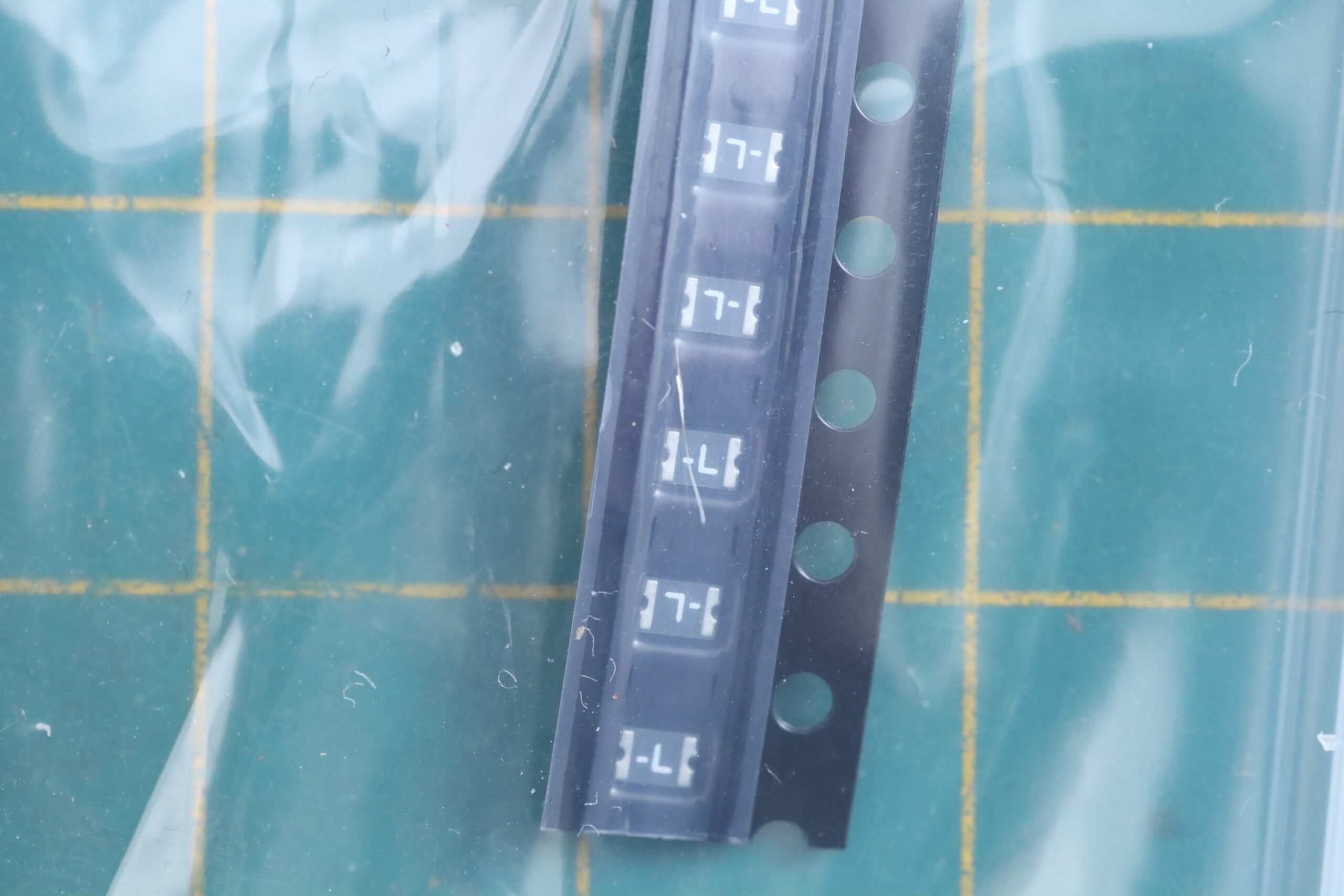
I identified the fuse as a Polytronics fuse and the dimensions to be 0805. But there are few choices depending on the rated current. Without a service manual from Dell, I had to make a choice based on the datasheet from Polytronics, that L stands for 2A – most likely, SMD0805P200SLRT. The photos do not coincide perfectly though, mine has an L, but other Polytronics fuses appear also to have some digits after the L.
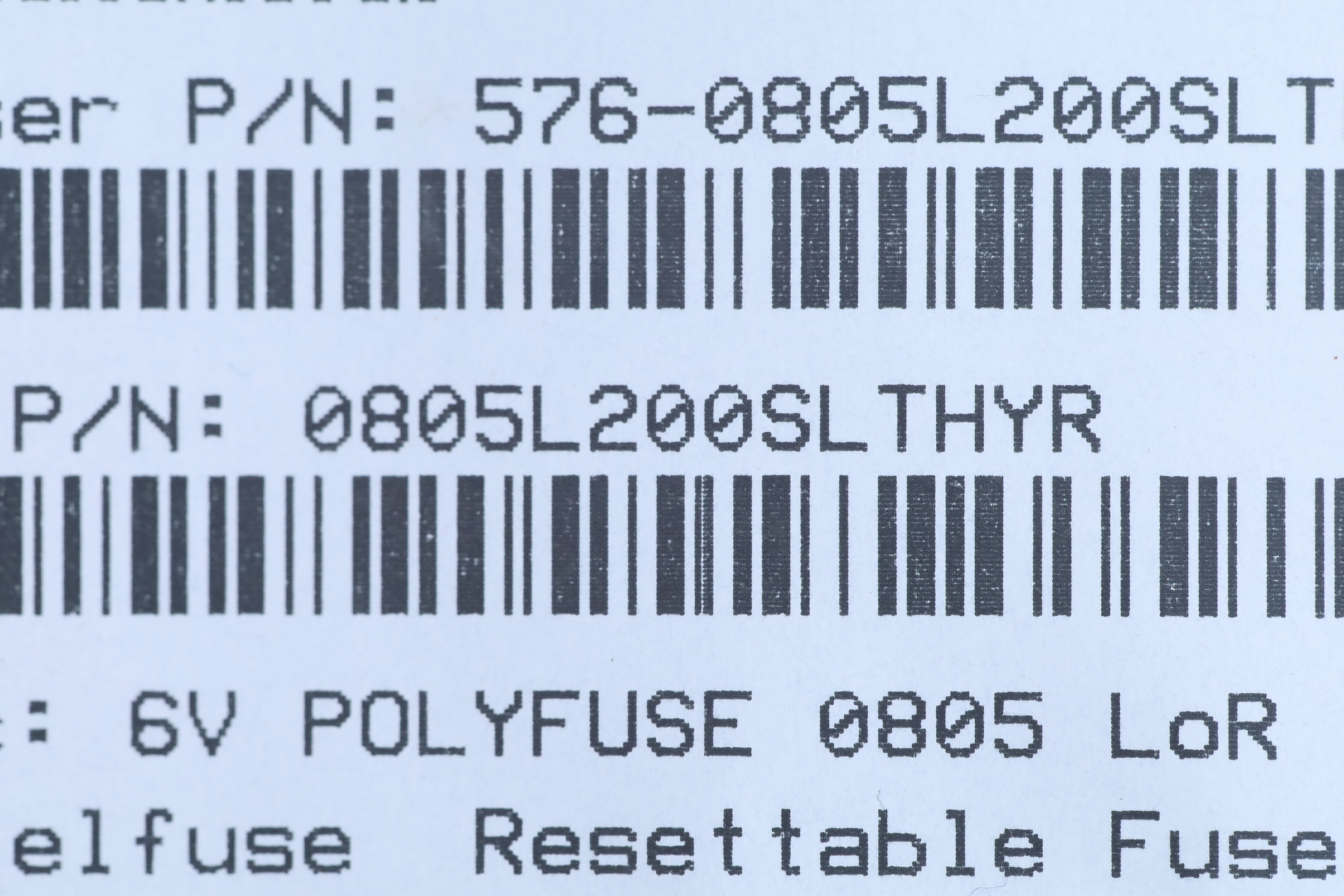
I was not able to order Politronics, so I ordered Littlefuse 0805L110SLYR as well as 0805L200SLTHYR. Why both ? Littlefuse also uses the “-L” letter for 2A version, but this could just be a coincidence, I do not know if this is standard naming. The only physical difference between the 1.1A and 2A (for example) seems to be the height. Feel bad to choose based on physical size, a service manual would have cleared all doubts.
Parts have arrived, and decided to go with the 2 A version 0805L200SLTHYR for the resettable fuse, solely based on the thickness. The 2 A Littlefuse thickness matched the thickness of the existing Polytronics one.
The capacitors themselves, I will be using 1 x Panasonic Aluminum Polymer 100 µF at 16 V, code 16SEPC100M.
Fixing
Capacitor was stubborn, I had to use hot air gun from the solder side. This is dangerous with capacitors that can explode. The fuse was much easier to remove:
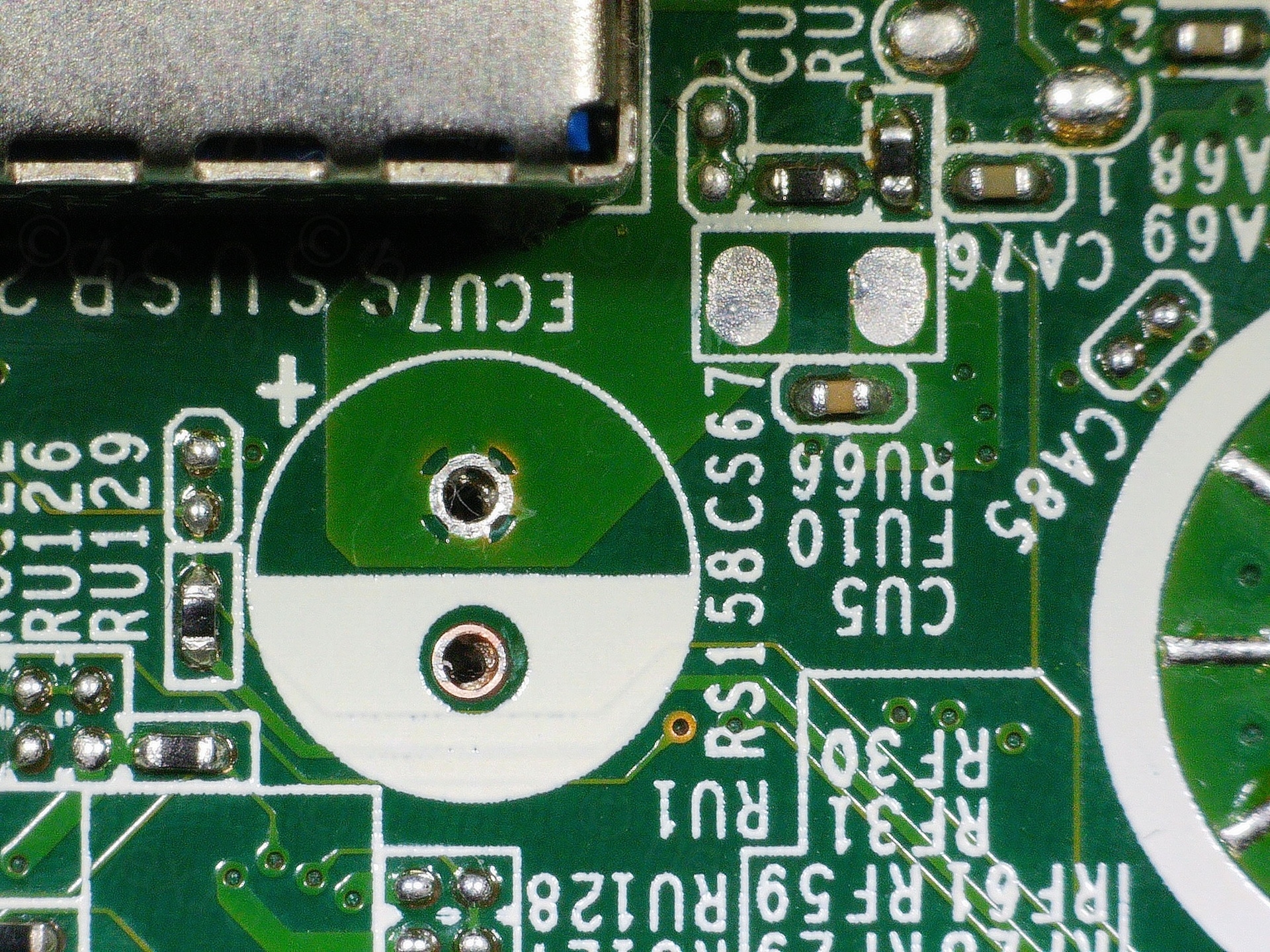
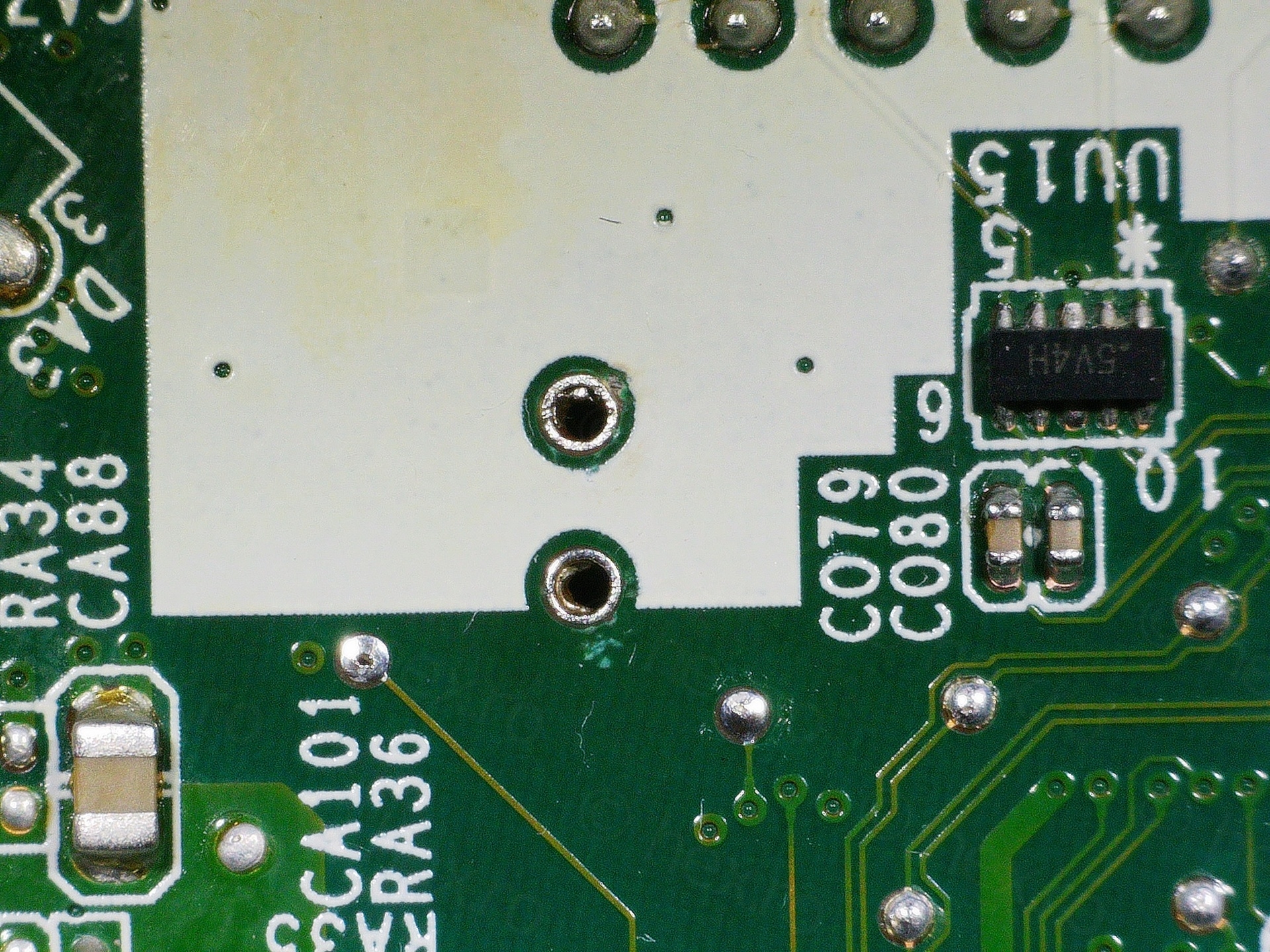
And the new parts installed:
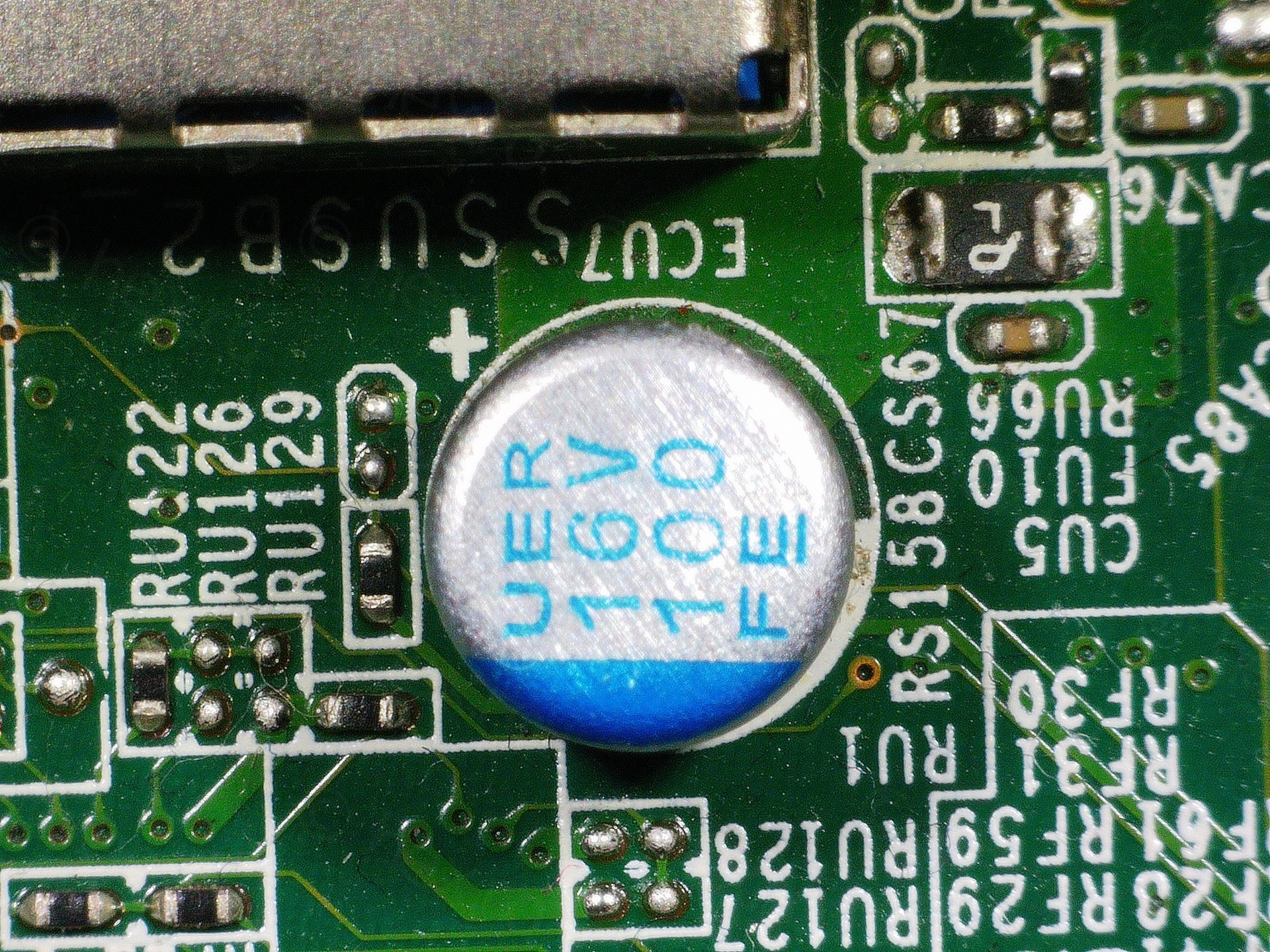
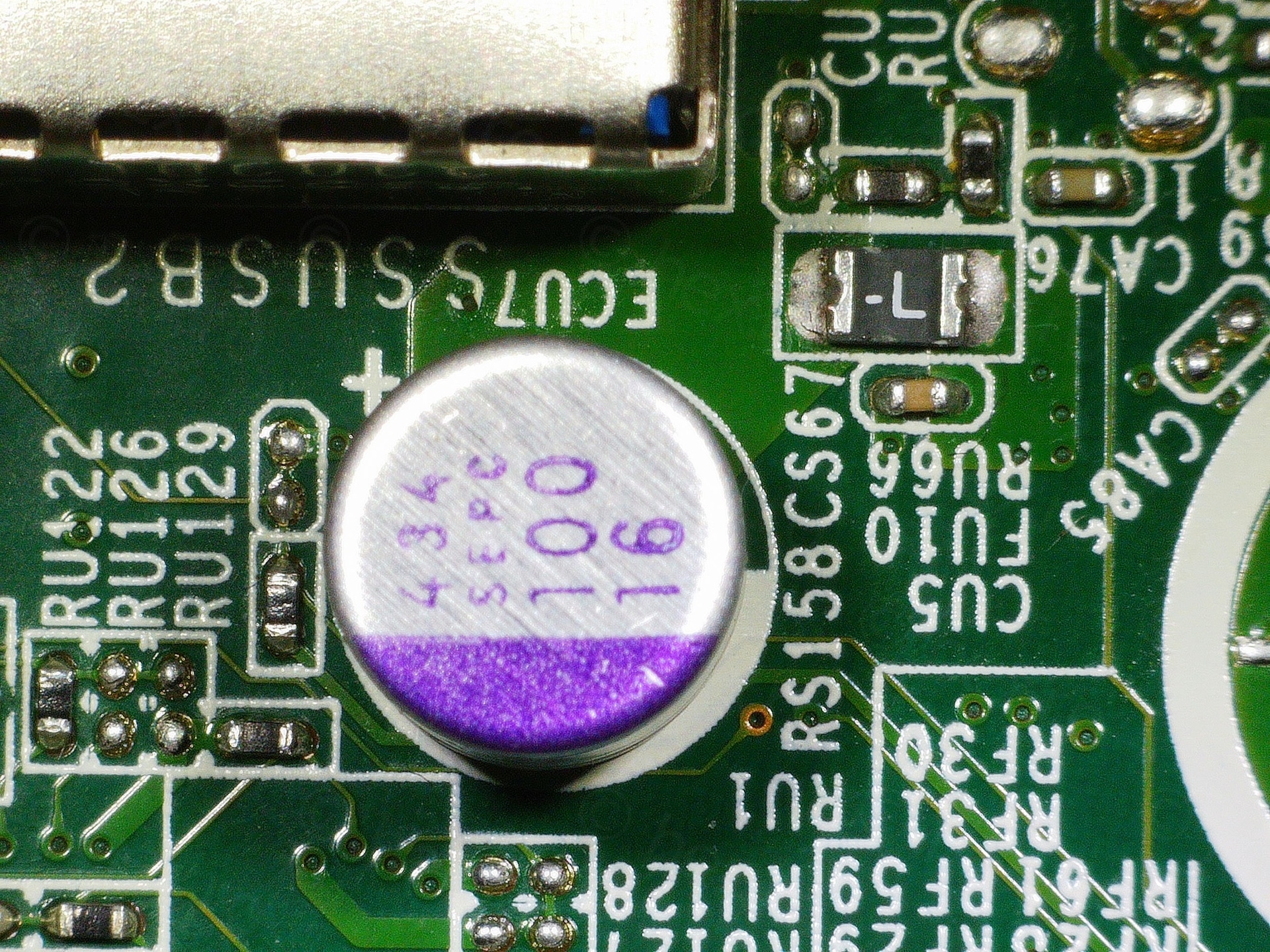
The device works fine now 🙂
Other fixes ?
I have ordered also a tray for it, since the existing one is snapped. But, I realized, it didn’t come with the little grounding metal prong – and I’d have to move the existing one:
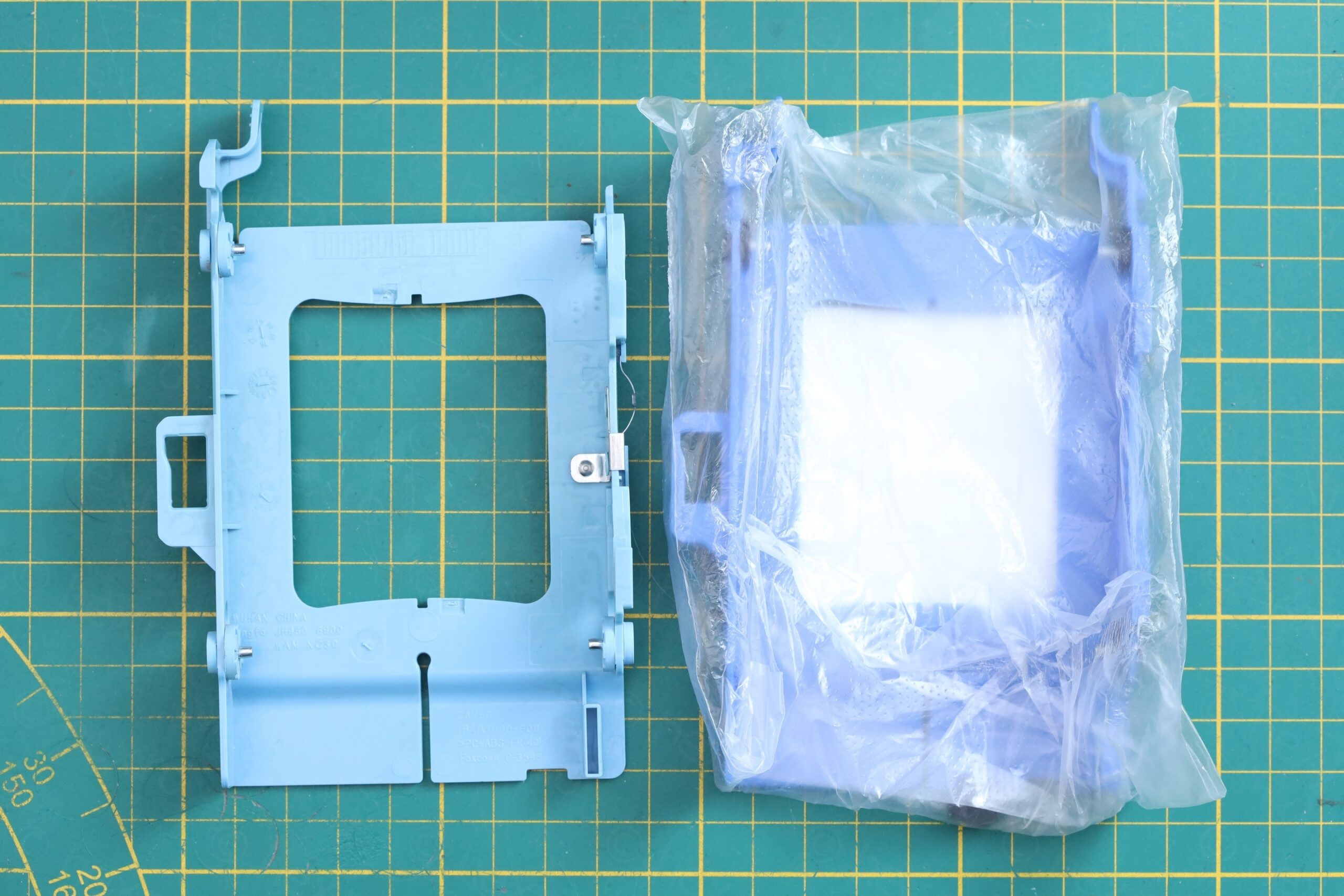
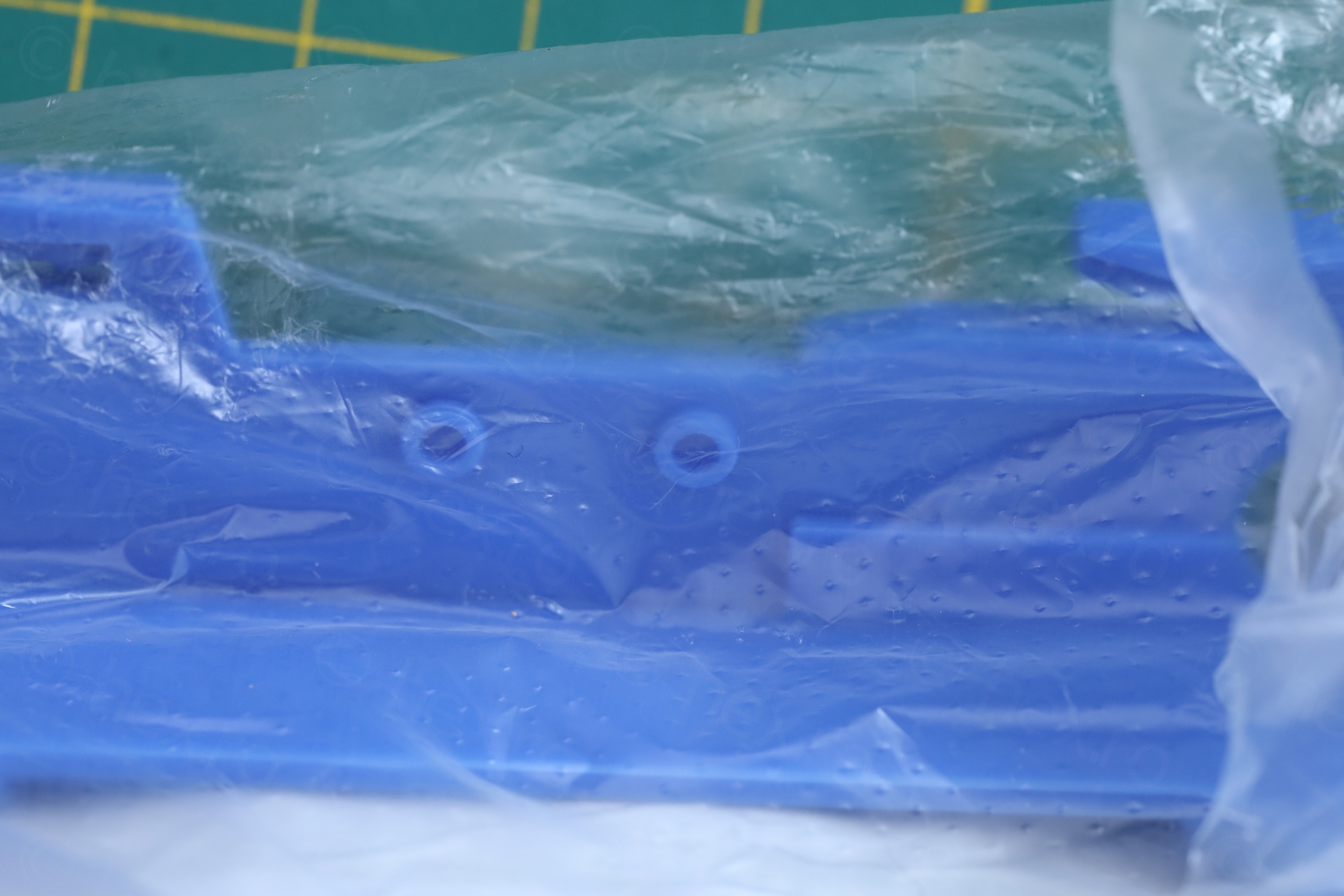
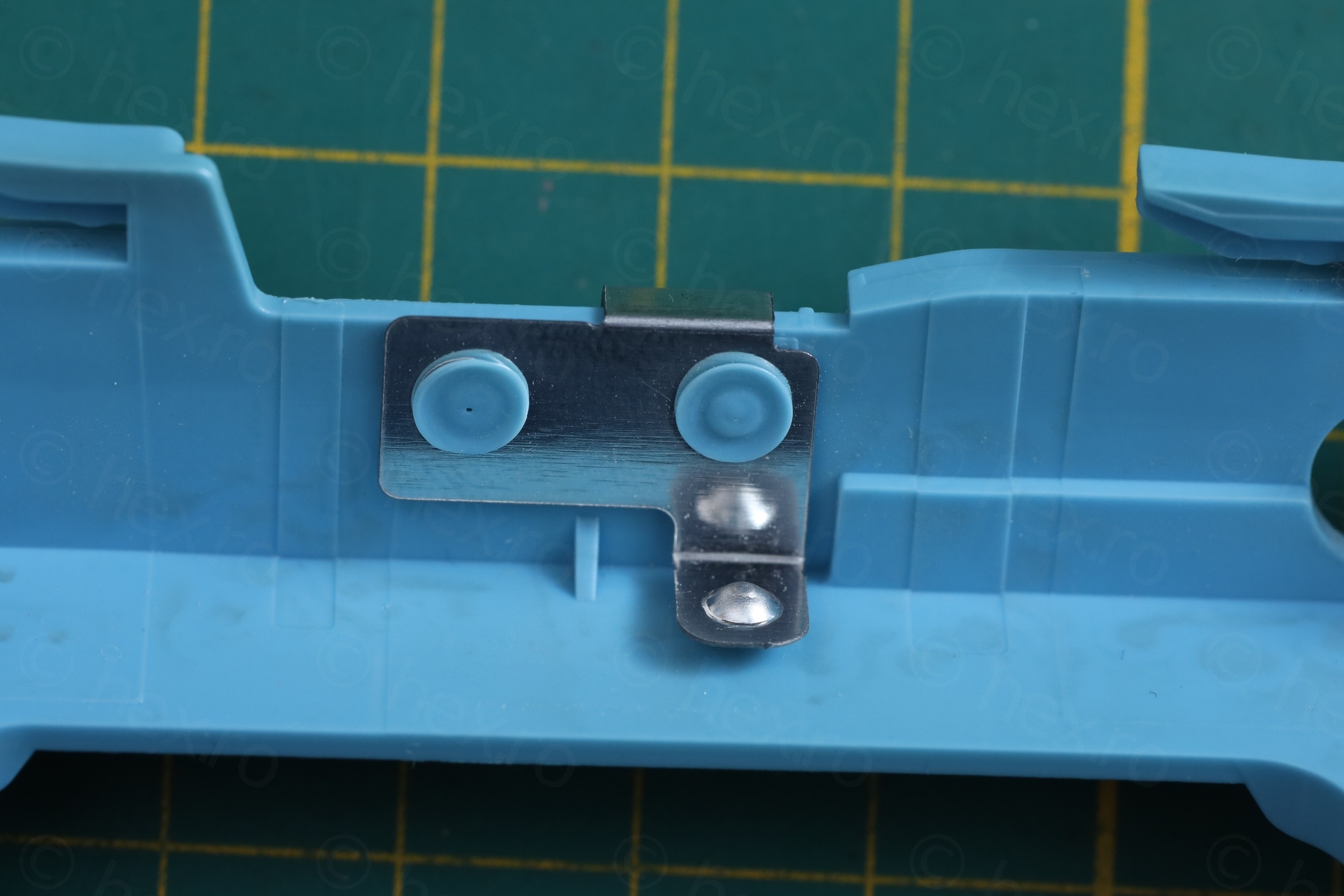
I decided not to bother with it. This PC is a spare PC for my Proxmox stash, and, should I replace one in the stash, I’ll just get those parts moved over. Second, most likely I will not use an old SSD, but a newer M.2 slot hard disk. Thus, I’ll keep the new part, but uninstalled.
Second, DisplayPort output is no use for me, I only use HDMI (or VGA). This PC comes with an additional mini board, but has DisplayPort plug. I ordered the mini board that allows VGA output:
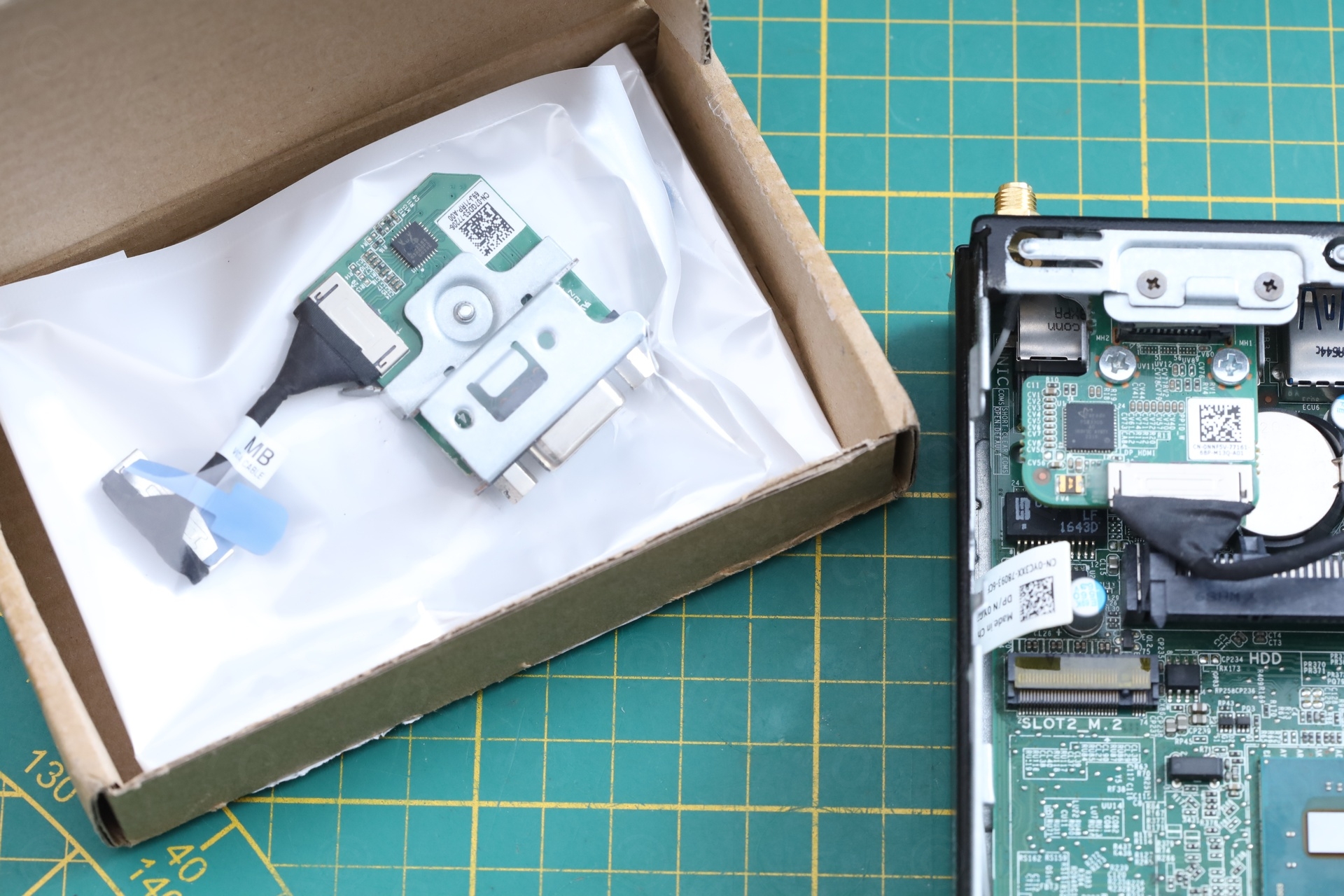
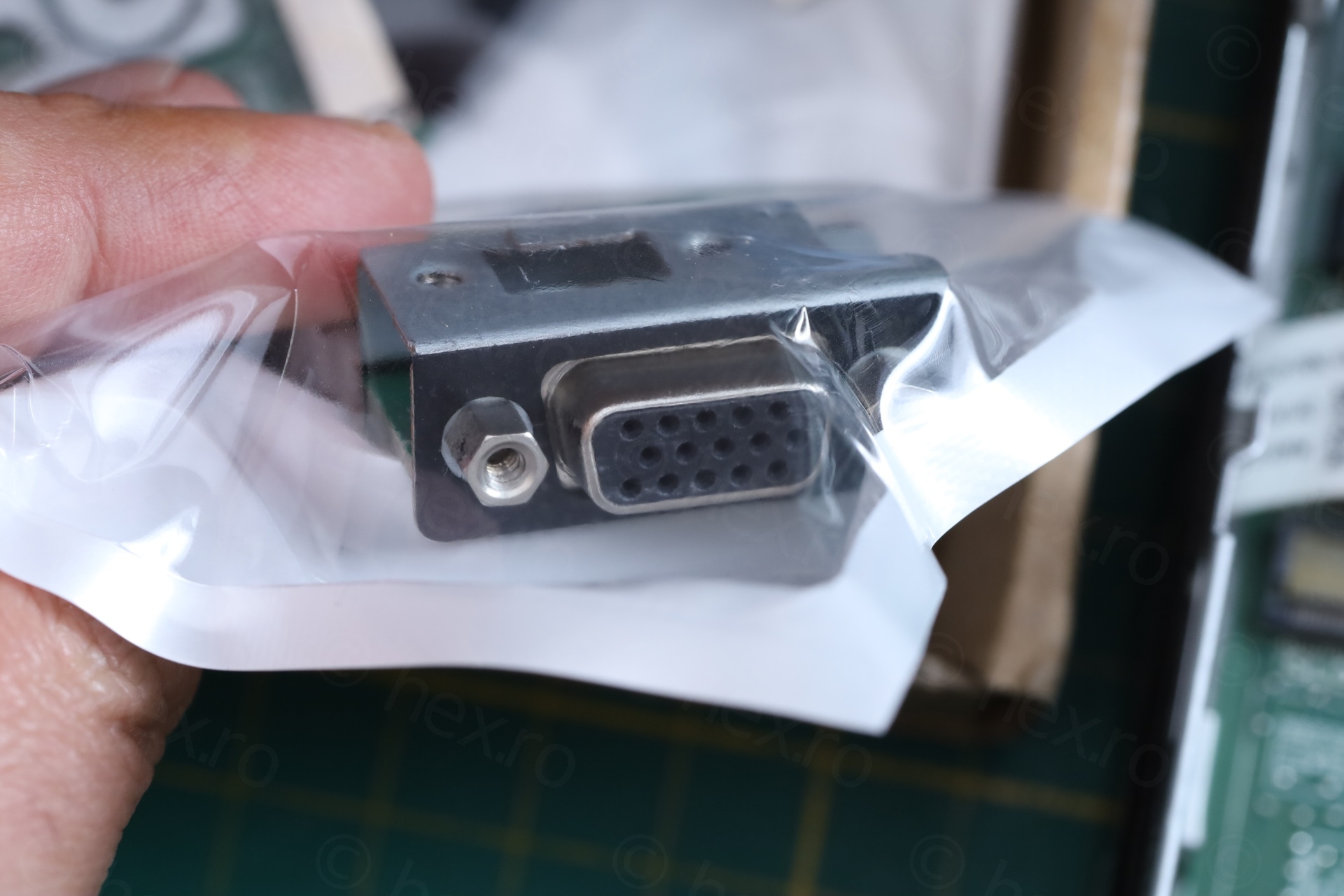
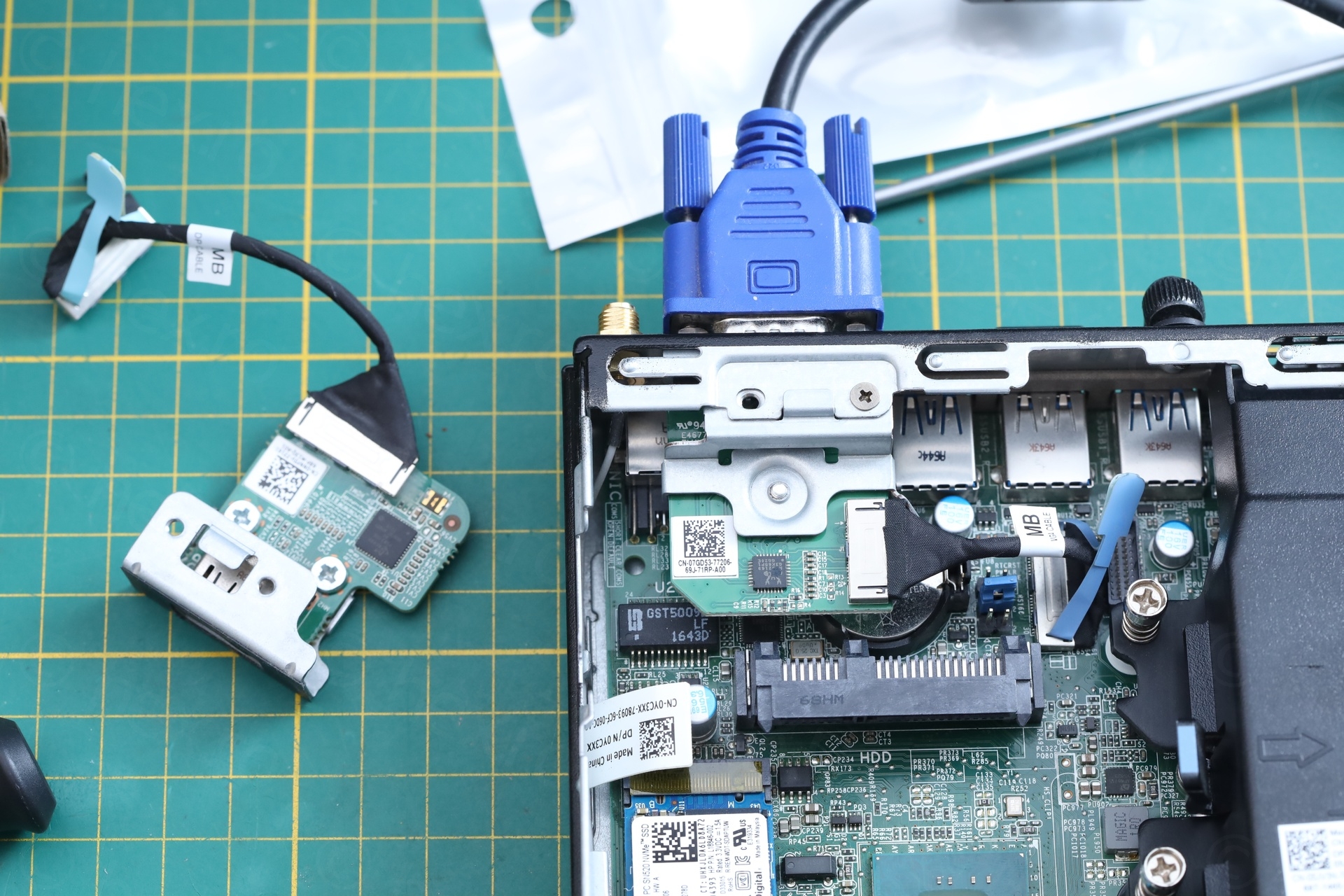
However, I also decided not to do the swap. If one of the mini VGA board on the stash of PCs goes bad, better if I have the spare part ready to grab, than having to take it out of a different PC. I did test it though, works fine.
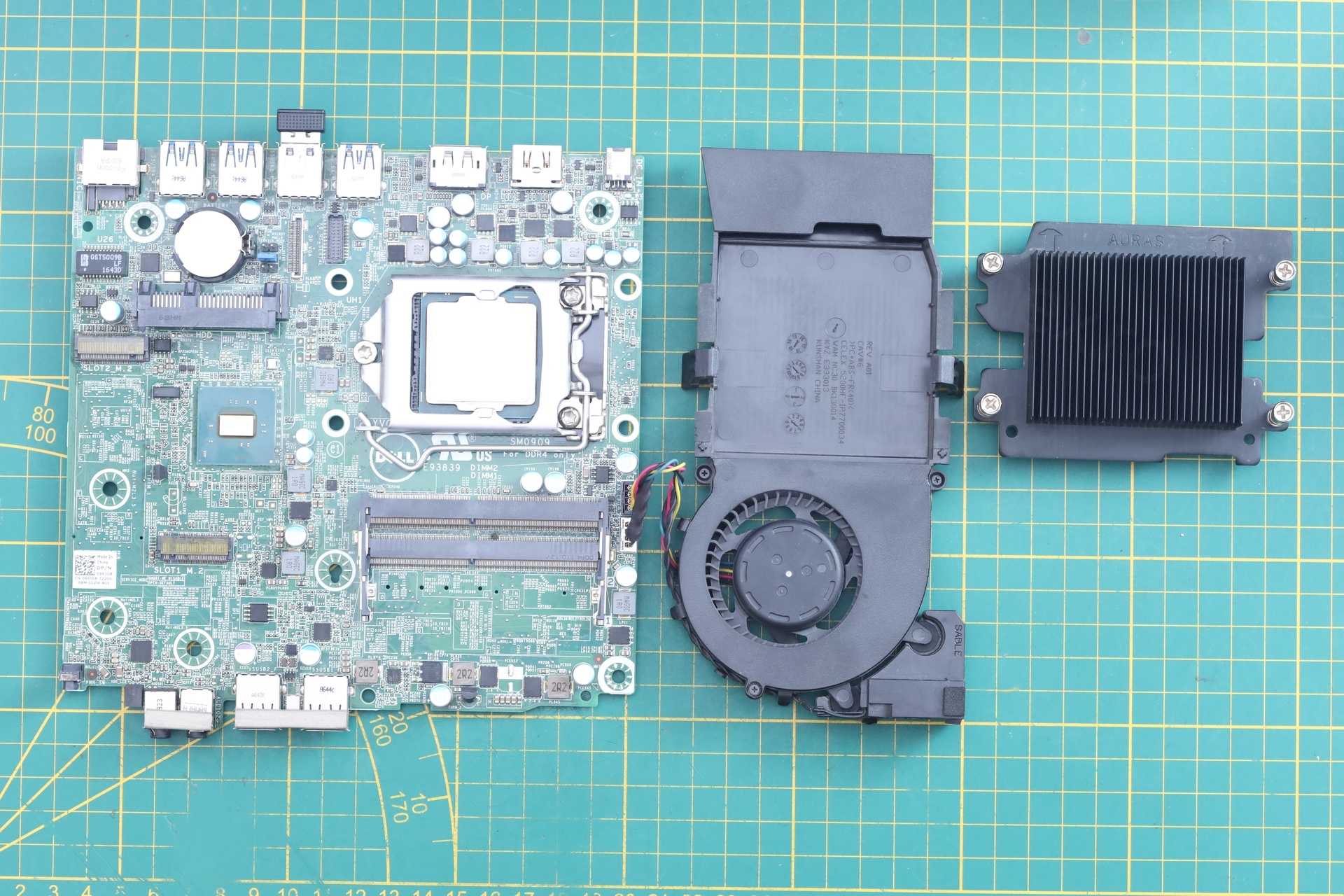
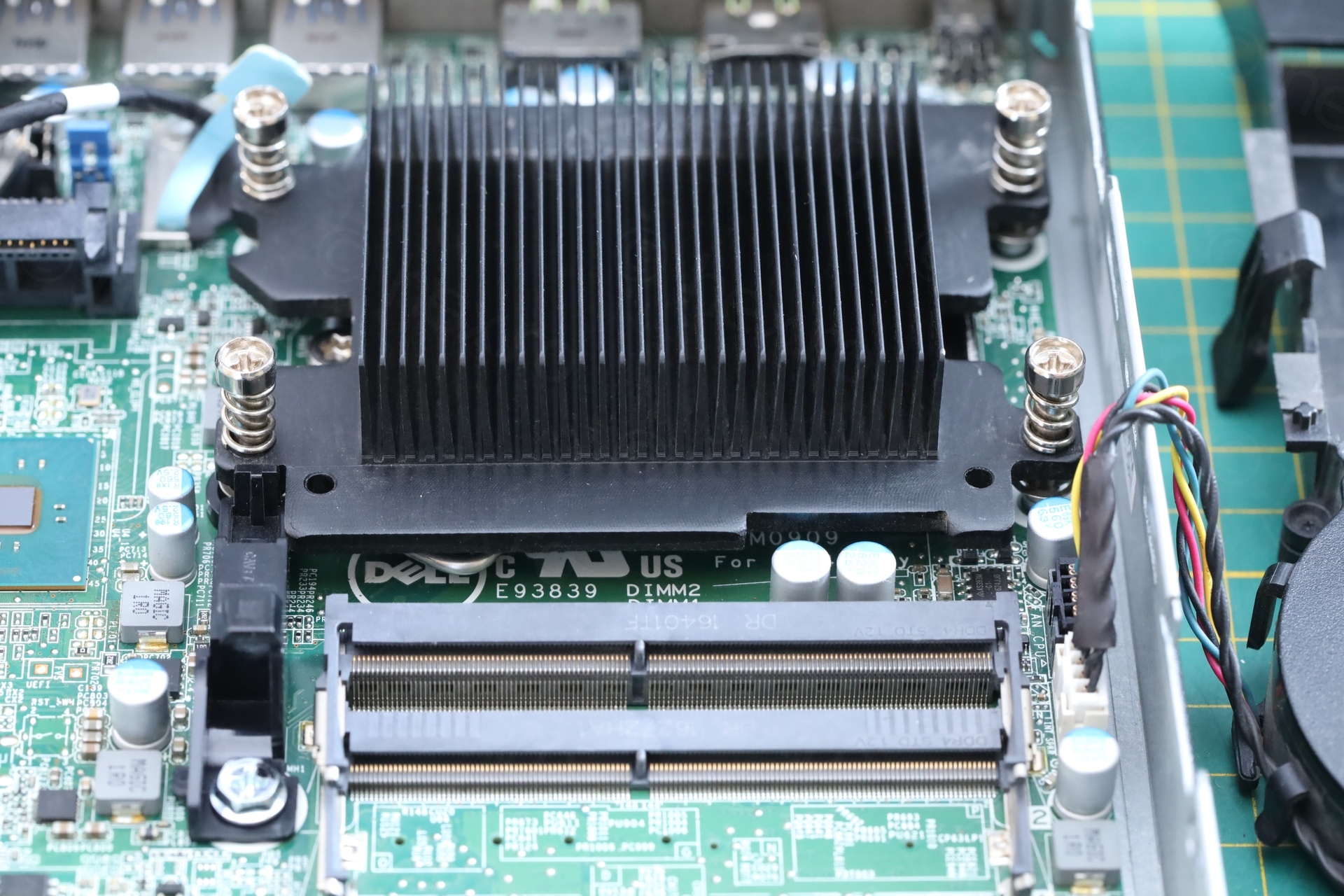
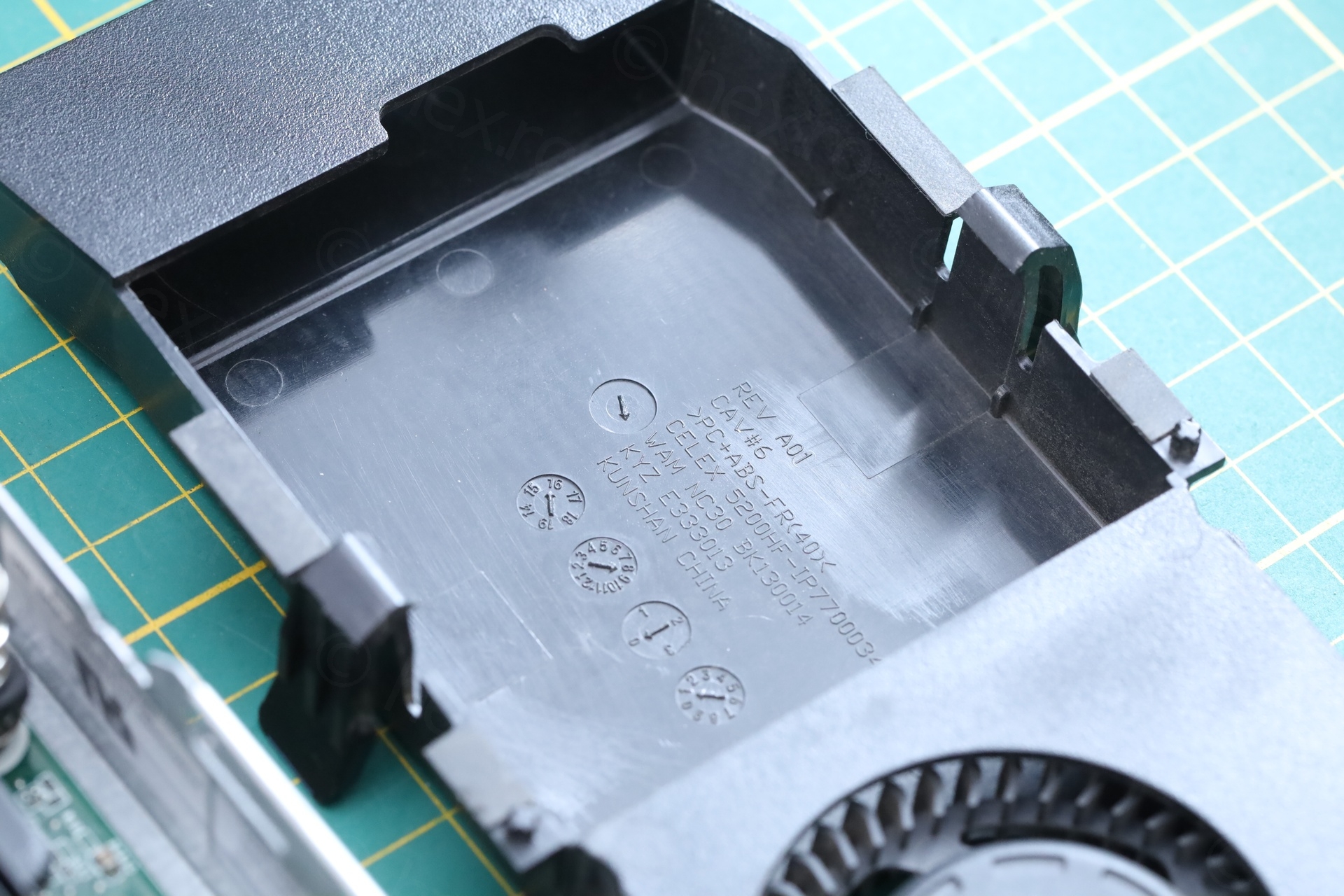
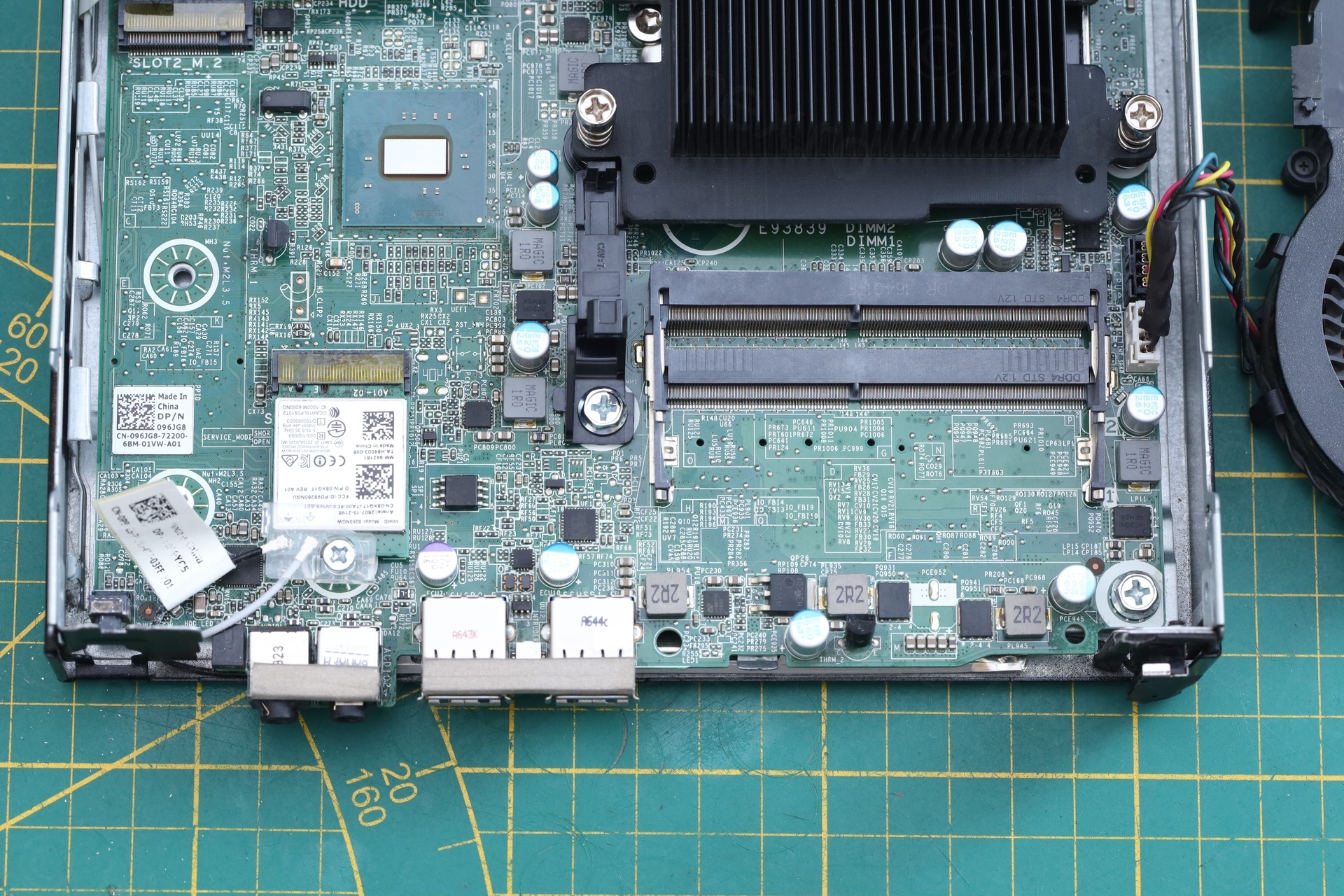
But the PC got a good cleanup:
Conclusions
I like that Dell designed the motherboard propery. Whatever caused this issue didn’t propagate further up destroying other parts that would be more difficult / impossible to source / replace.
Leave a Reply